
Coding
SQL Server 2012 introduced groundbreaking features that transformed database management for developers and administrators. These 10 innovations boost performance, security, and scalability—making it a pivotal upgrade for modern IT environments.
AlwaysOn Availability Groups for High Availability

Tired of downtime disrupting your mission-critical applications? AlwaysOn Availability Groups in SQL Server 2012 redefined high availability with a zero-data-loss failover solution that outclasses traditional database mirroring. This feature introduced synchronous and asynchronous replication across multiple secondary replicas, ensuring near-instant recovery while minimizing latency.
With AlwaysOn, you can configure up to 8 secondary replicas per primary database, supporting both read-only workloads and automatic failover. The synchronous commit mode guarantees data consistency, while asynchronous mode balances performance and resilience. Unlike mirroring, it supports multiple readers, reducing load on your primary server and improving scalability for high-traffic applications.
Perfect for enterprises running 24/7 e-commerce platforms, financial systems, or healthcare databases, AlwaysOn transforms "downtime" into a relic of the past. ⚡
Columnstore Indexes for Massive Data Compression

If your analytical workloads are drowning in data storage costs, Columnstore Indexes in SQL Server 2012 could be your lifesaver. This game-changing feature redefines how databases handle large datasets by compressing data vertically—think of it as stacking rows like a skyscraper instead of sprawling horizontally.
With up to 10x compression ratios, you’ll slash storage needs while keeping query performance intact. The magic happens through column-based storage, which optimizes scans for analytical queries by processing data in batches. Even better, it integrates seamlessly with existing rowstore indexes, so you can mix and match based on workload needs. For data warehousing, this means faster aggregations and less I/O overhead—without sacrificing flexibility. 💡
Contained Databases for Simplified Deployment

Frustrated with database deployments that feel like moving a house instead of a file? Contained Databases in SQL Server 2012 changed that by isolating database objects from server-level dependencies—meaning you can now move databases between environments with zero configuration headaches. No more worrying about linked servers, logins tied to the instance, or service broker endpoints breaking during migrations.
This feature lets you package an entire database—including users, schemas, and objects—into a self-contained unit. You get portability between SQL Server instances (even across versions) and simplified backups since contained databases can be scripted or restored independently. The CONTAINMENT = PARTIAL setting handles most dependencies automatically, while CONTAINMENT = FULL takes isolation further by managing logins and credentials internally. Cloud teams love this for spinning up disposable test environments, while DevOps pipelines benefit from repeatable, dependency-free deployments.
If your workflow involves CI/CD pipelines, multi-tenant SaaS architectures, or frequent environment switches, this is the feature that cuts deployment time from hours to minutes. No more "works on my machine" excuses—just drag-and-drop reliability. ✨
Windows Server Core Support for Lean Installations

If minimizing security risks while optimizing resource usage is your priority, Windows Server Core in SQL Server 2012 delivers a game-changer. This lightweight installation option strips away unnecessary components, leaving only the essential services needed to run SQL Server—reducing the attack surface by up to 90% without sacrificing functionality.
The leaner footprint translates to lower memory and CPU usage, making it ideal for virtualized environments or servers hosting multiple SQL instances. Despite its minimalism, Server Core supports all SQL Server features, including AlwaysOn Availability Groups and Contained Databases, ensuring no compromise on performance or capabilities. Security-conscious organizations, especially those in regulated industries, benefit from fewer vulnerabilities to patch and monitor.
This feature is a must for IT admins managing high-security environments or cloud providers where resource efficiency and isolation are critical. ⚡
SQL Server Data Tools for Unified Development
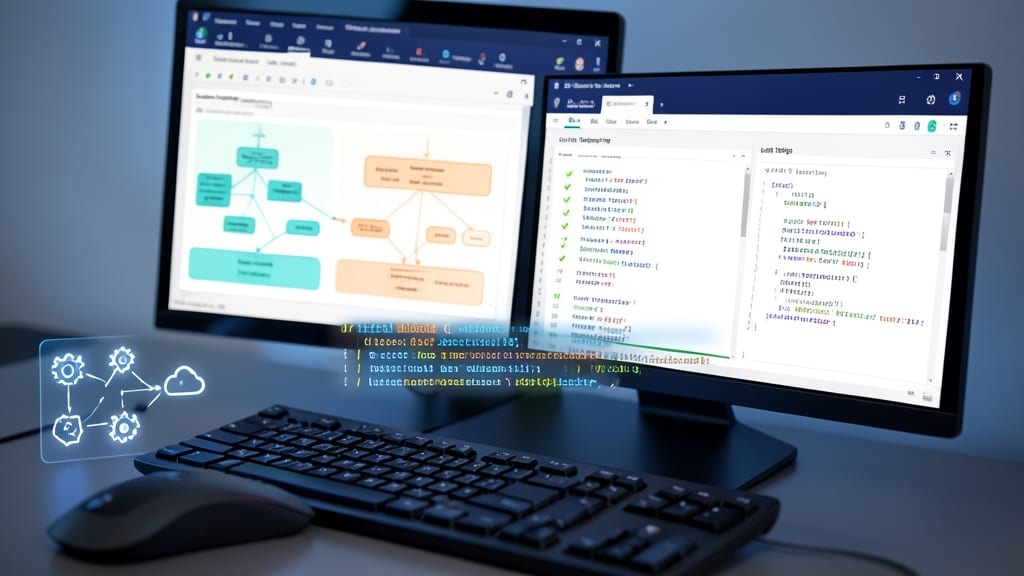
If developers and DBAs ever felt like they were speaking different languages, SQL Server Data Tools (SSDT) in SQL Server 2012 was the universal translator. Built directly into Visual Studio, SSDT unified database development with schema comparisons, unit testing, and even CI/CD pipeline integration—all in one seamless workflow.
With schema comparison tools, you could instantly sync database changes between environments, while tSQLt unit testing let developers validate logic before deployment. The integration with Team Foundation Server (TFS) and build automation frameworks made CI/CD pipelines feel natural for database projects. No more silos—just collaborative, version-controlled development.
This was the perfect tool for agile teams where developers and DBAs needed to work side-by-side without friction. 💻
Contained User Authentication for Security Isolation

Tired of juggling server-wide logins that give admins too much power? Contained User Authentication in SQL Server 2012 lets you create database-specific logins—no server admin rights required. This game-changer simplifies credential management while tightening security for multi-tenant setups.
With contained users, credentials are scoped to individual databases, eliminating the need for instance-level logins. You get fine-grained access control without complex server configurations, and credentials can be moved between environments seamlessly. The feature also supports Windows and SQL logins natively, reducing dependency on domain accounts.
Perfect for SaaS providers, hosting companies, and any organization managing shared database environments. No more granting excessive privileges—just secure, isolated access. ✨
Power View for Interactive Data Visualization

Tired of waiting for IT to generate reports while your business decisions gather dust? Power View in SQL Server 2012 lets non-technical users create stunning, interactive dashboards directly from SharePoint—no SQL queries required.
This self-service BI tool supports 3D charts, maps, and dynamic filters with drag-and-drop simplicity. Connect to Excel workbooks, SQL Server Analysis Services, or PowerPivot to visualize trends instantly. The integration with SharePoint means your reports are always accessible, version-controlled, and ready for collaboration.
Perfect for marketing teams, finance analysts, or operations managers who need to explore data trends without relying on DBAs. Turn raw numbers into actionable insights in minutes—no coding skills needed. ✨
SQL Server Data Quality Services for Clean Data
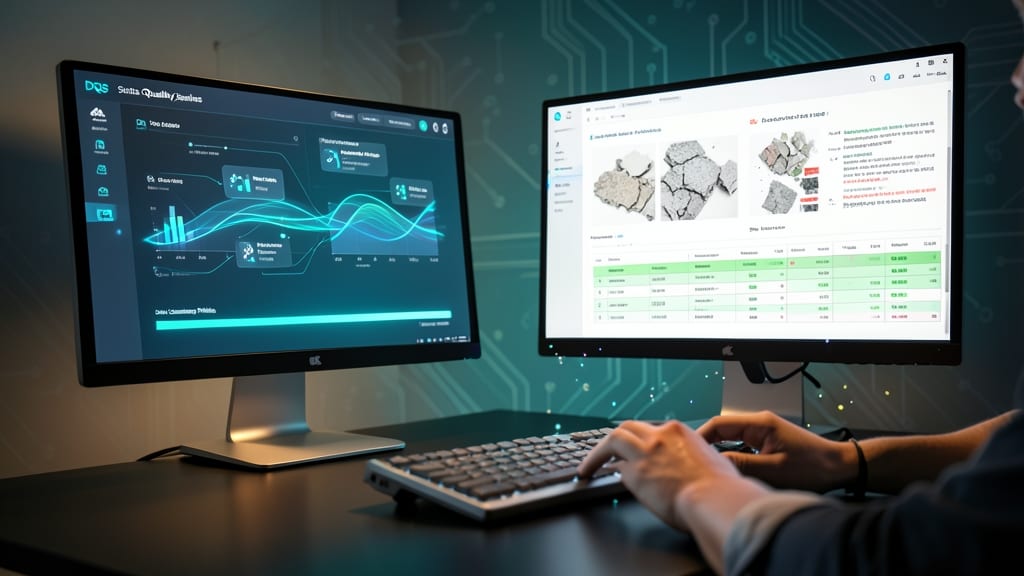
Tired of spending hours manually scrubbing datasets before analytics? SQL Server Data Quality Services (DQS) automates the entire cleanup process—profiling, cleansing, and matching—so your data is ready for actionable insights without the grunt work.
This feature packs data profiling to identify inconsistencies, cleansing rules for standardizing formats, and matching algorithms to merge duplicate records. It integrates with Master Data Services for governance and supports custom domain-specific rules, making it adaptable to industries like healthcare or finance where precision matters. The DQS Client provides a visual workflow designer for non-technical users to build and deploy data quality projects.
Perfect for data analysts, BI teams, and compliance officers juggling messy datasets, DQS turns raw data into trustworthy assets with minimal overhead. 💡
SQL Server AlwaysOn Secondary Replicas for Read Scaling

Struggling with slow reporting queries that drag down your high-traffic applications? SQL Server AlwaysOn Secondary Replicas solve this by offloading read-heavy workloads to secondary servers—keeping your primary database free for writes while boosting performance for analytics and reporting.
This feature lets you create up to 8 secondary replicas per availability group, each handling read operations independently. With read-only routing, you can distribute queries across replicas, reducing contention on the primary. The synchronous or asynchronous commit options ensure minimal latency, while transactional consistency guarantees accurate data across all replicas.
Perfect for e-commerce platforms, SaaS applications, or data-driven businesses where read-heavy operations slow down user experiences. If your app thrives on analytics but hates performance bottlenecks, this is your solution. ✨
SQL Server Audit for Comprehensive Security Tracking
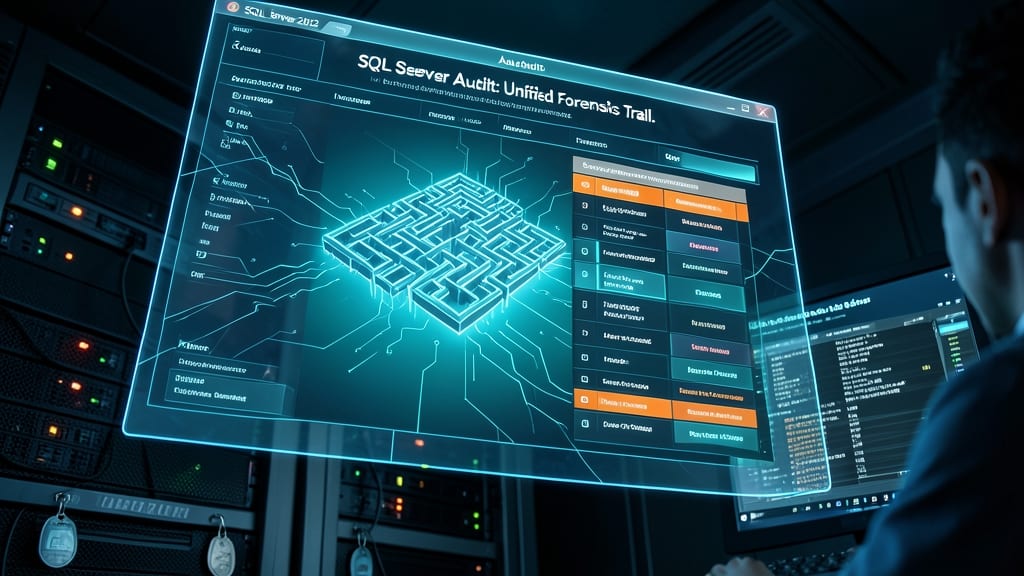
If compliance and security investigations feel like navigating a maze of fragmented logs, SQL Server Audit in SQL Server 2012 is your game-changer. This feature centralizes audit trails for all database activities—from schema changes to user logins—into a single, searchable repository, making forensic analysis effortless.
You get real-time tracking of critical events like failed logins, data modifications, and permission changes, with support for file-based or database-based audit logs. The granular filtering lets you focus on specific schemas, objects, or actions, while integration with Windows Event Log ensures seamless compliance reporting. No more piecing together logs from multiple sources—just one unified view. 💻
This is a must-have for financial institutions, healthcare providers, and regulated industries where audit trails are non-negotiable. For DBAs and security teams, it’s the difference between reactive troubleshooting and proactive protection. ✨