Skip to content
PC Fixes

PC Fixes

  • All Articles
  • App
  • Coding
  • Hardware
  • More
    • Operating System
    • Outlook
    • PowerPoint
    • Software
    • Tip & Trick
    • Troubleshooting
    • Windows

PowerPoint

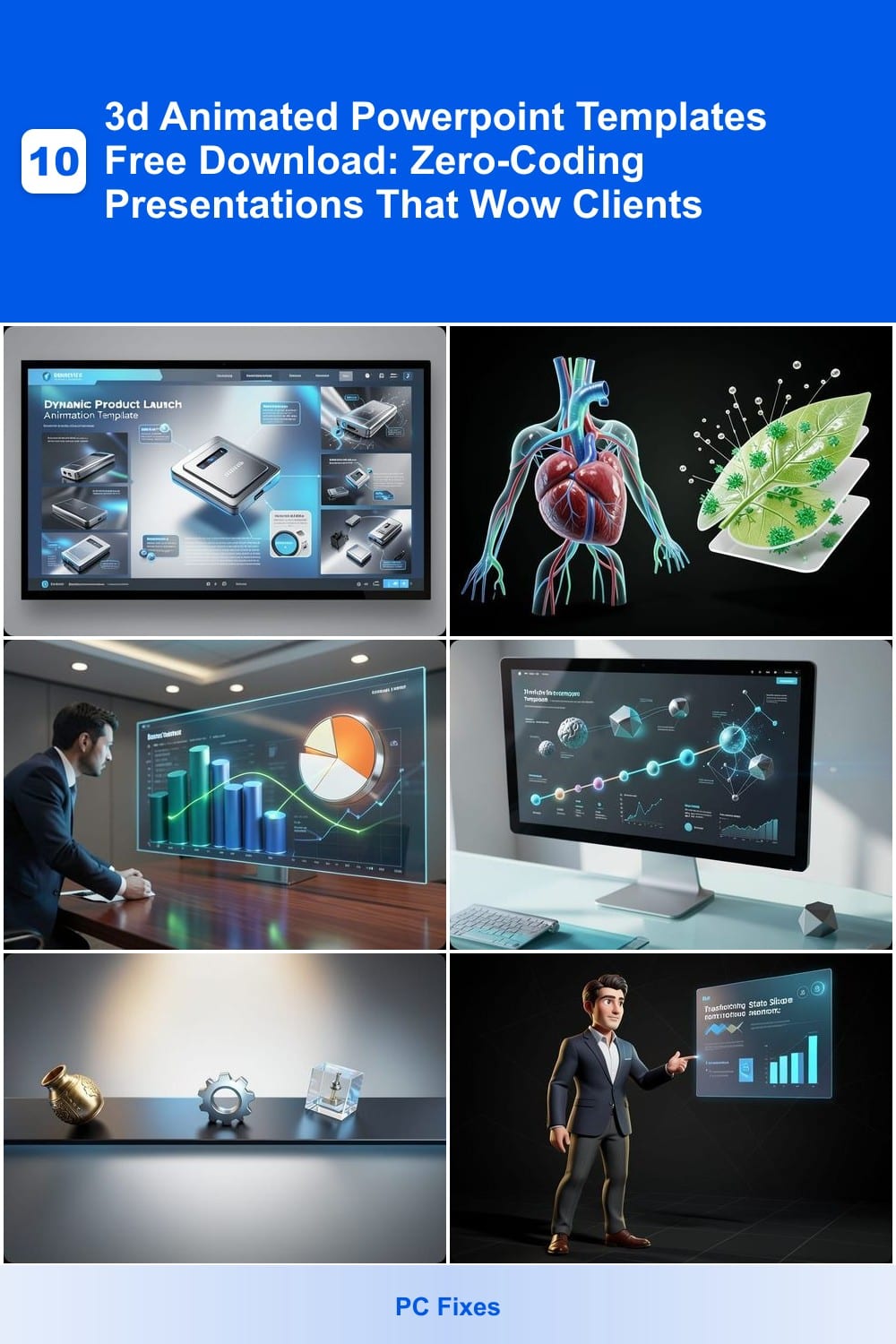
3d Animated Powerpoint Templates Free Download: Zero-Coding Presentations That Wow Clients
November 6, 2026 by Dolores Alvarado
3d Animated Powerpoint Templates Free Download: Zero-Coding Presentations That Wow Clients

Want to create professional, eye-catching PowerPoint presentations without coding? These seven free 3D animated templates will transform your slides into dynamic visual stories that captivate any audience—perfect for…

Read more

Categories PowerPoint

How to Add a Slide to an Existing Powerpoint Presentation: Click-Drag Method in Seconds

October 13, 2026 by Dolores Alvarado
How to Add a Slide to an Existing Powerpoint Presentation: Click-Drag Method in Seconds

Transform your PowerPoint presentations with the how to add a slide to an existing PowerPoint presentation trick—no rigid structures, just a click-drag in seconds. ✨ This technique bypasses the traditional "New Slide…

Read more

Categories PowerPoint

PowerPoint Timers: Add Countdowns That Auto-Advance Slides

November 20, 2026 by Dolores Alvarado
PowerPoint Timers: Add Countdowns That Auto-Advance Slides

Adding a timer to PowerPoint can transform your presentations from static slides to dynamic experiences that keep your audience engaged. ⚡ I’ve spent countless hours perfecting this trick—especially when teaching classes…

Read more

Categories PowerPoint

How to Add Annotations in PowerPoint: Visual Notes That Clarify Any Slide

October 7, 2026 by Dolores Alvarado
How to Add Annotations in PowerPoint: Visual Notes That Clarify Any Slide

To add annotations in PowerPoint, you don’t need to be a designer—just a few clicks turn your slides into clear, interactive visuals. ✨ I’ve used this trick to explain complex data to clients, and the difference between…

Read more

Categories PowerPoint

How to Add Columns in Powerpoint: Quick Layout Tricks for Professional Designs

October 10, 2026 by Dolores Alvarado
How to Add Columns in Powerpoint: Quick Layout Tricks for Professional Designs

Adding columns in PowerPoint isn’t just about layout—it’s about transforming your slides from basic to polished in seconds. ✨ I’ve used this trick for client presentations where tight spacing made the difference between…

Read more

Categories PowerPoint

How to Add Draft Watermark in Powerpoint: Permanent Branding Without Quality Loss

October 10, 2026 by Dolores Alvarado
How to Add Draft Watermark in Powerpoint: Permanent Branding Without Quality Loss

Adding a draft watermark in PowerPoint doesn’t require third-party tools—Microsoft built the feature right in. ✨ I’ve used this trick for client presentations where we needed to mark slides as "draft" before final…

Read more

Categories PowerPoint

How to Add Footer in Powerpoint: 3-Click Method for Professional Slides

November 20, 2026 by Dolores Alvarado
How to Add Footer in Powerpoint: 3-Click Method for Professional Slides

Adding a footer to PowerPoint slides used to require hunting through menus—until I discovered this 3-click method that works in every version from 2010 to 365. ✨ The secret lies in the Slide Master, where one adjustment…

Read more

Categories PowerPoint

How to Add Sound Effects to PowerPoint: Instant Engagement With Built-In Tools

October 10, 2026 by Dolores Alvarado
How to Add Sound Effects to PowerPoint: Instant Engagement With Built-In Tools

Adding sound effects to PowerPoint can transform a boring presentation into something unforgettable—like the first time I turned my uncle's old IBM slideshow into a multimedia experience back in '98. ✨ The built-in tools…

Read more

Categories PowerPoint

How to Add Template to Powerpoint: Instant Download and Customize in Minutes

October 13, 2026 by Dolores Alvarado
How to Add Template to Powerpoint: Instant Download and Customize in Minutes

Adding a template to PowerPoint transforms your presentations from generic to polished in seconds. ✨ I’ve used this trick to save hours of formatting—whether it’s a client pitch deck or a family slideshow—by starting…

Read more

Categories PowerPoint

How to Add Voiceover to PowerPoint on iPad: Screen-Recording Sync Trick

October 15, 2026 by Dolores Alvarado
How to Add Voiceover to PowerPoint on iPad: Screen-Recording Sync Trick

My iPad became the perfect voiceover studio when I discovered this PowerPoint trick— adding narration that syncs perfectly with slides without needing extra apps. ✨ The key is using the built-in screen recording feature…

Read more

Categories PowerPoint
Page1Page2Next →

About Me

Dolores Alvarado

Dolores Alvarado
My first computer was a clunky desktop my dad built from parts in his garage, and I spent hours tinkering with it—mostly just crashing the system until he’d sigh and reboot it for me. That machine taught me two things: tech can be intimidating, but with the right guidance, anyone can master it. Here, I aim to break down the chaos of computing into clear, actionable steps—whether you're troubleshooting a stubborn Windows update or trying to figure out why your Wi-Fi keeps dropping. Think of me as the friend who’s been there, holding your hand through every glitch and triumph.

Learn more

Recent Posts

  • Can My PC Run Windows 11: Exact System Check and TPM 2.0 Clarity
    Can My PC Run Windows 11: Exact System Check and TPM 2.0 Clarity
  • What Is Xbox PC RGB: How It Works and Why It Matters for Gamers
    What Is Xbox PC RGB: How It Works and Why It Matters for Gamers
  • Checking Email From Another Computer: Secure Access Without Passwords
    Checking Email From Another Computer: Secure Access Without Passwords
  • MS Virtual PC for Windows 7: Legacy Mode Setup Without Performance Loss
    MS Virtual PC for Windows 7: Legacy Mode Setup Without Performance Loss
  • How to Add Columns in Powerpoint: Quick Layout Tricks for Professional Designs
    How to Add Columns in Powerpoint: Quick Layout Tricks for Professional Designs
  • All Guides
  • About
  • Contact
  • Privacy Policy
  • Cookie Policy
  • Terms of Use
© 2026 pcfixes.click