Skip to content
PC Fixes

PC Fixes

  • All Articles
  • App
  • Coding
  • Hardware
  • More
    • Operating System
    • Outlook
    • PowerPoint
    • Software
    • Tip & Trick
    • Troubleshooting
    • Windows

Tip & Trick

Checking Email From Another Computer: Secure Access Without Passwords

November 6, 2026 by Dolores Alvarado
Checking Email From Another Computer: Secure Access Without Passwords

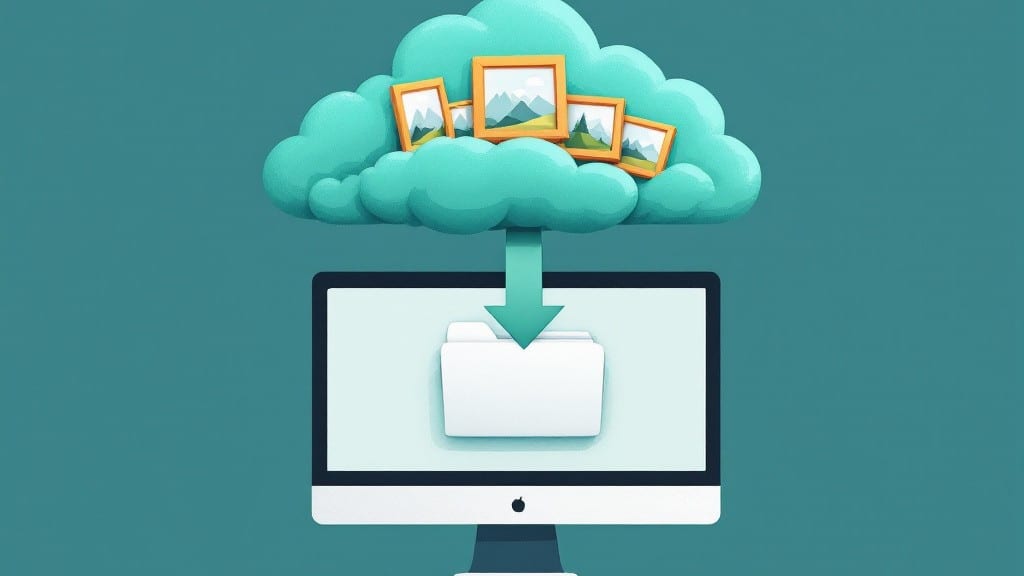
Checking my email from another computer used to mean typing passwords in public places—until I discovered secure, password-free access. ✨ The right setup lets me log in instantly from any device, whether it's a library…
Read more

Categories Tip & Trick

File Naming Conventions Best Practices Microsoft: Pro Tips to Organize Files Like a Pro

November 6, 2026 by Dolores Alvarado
File Naming Conventions Best Practices Microsoft: Pro Tips to Organize Files Like a Pro

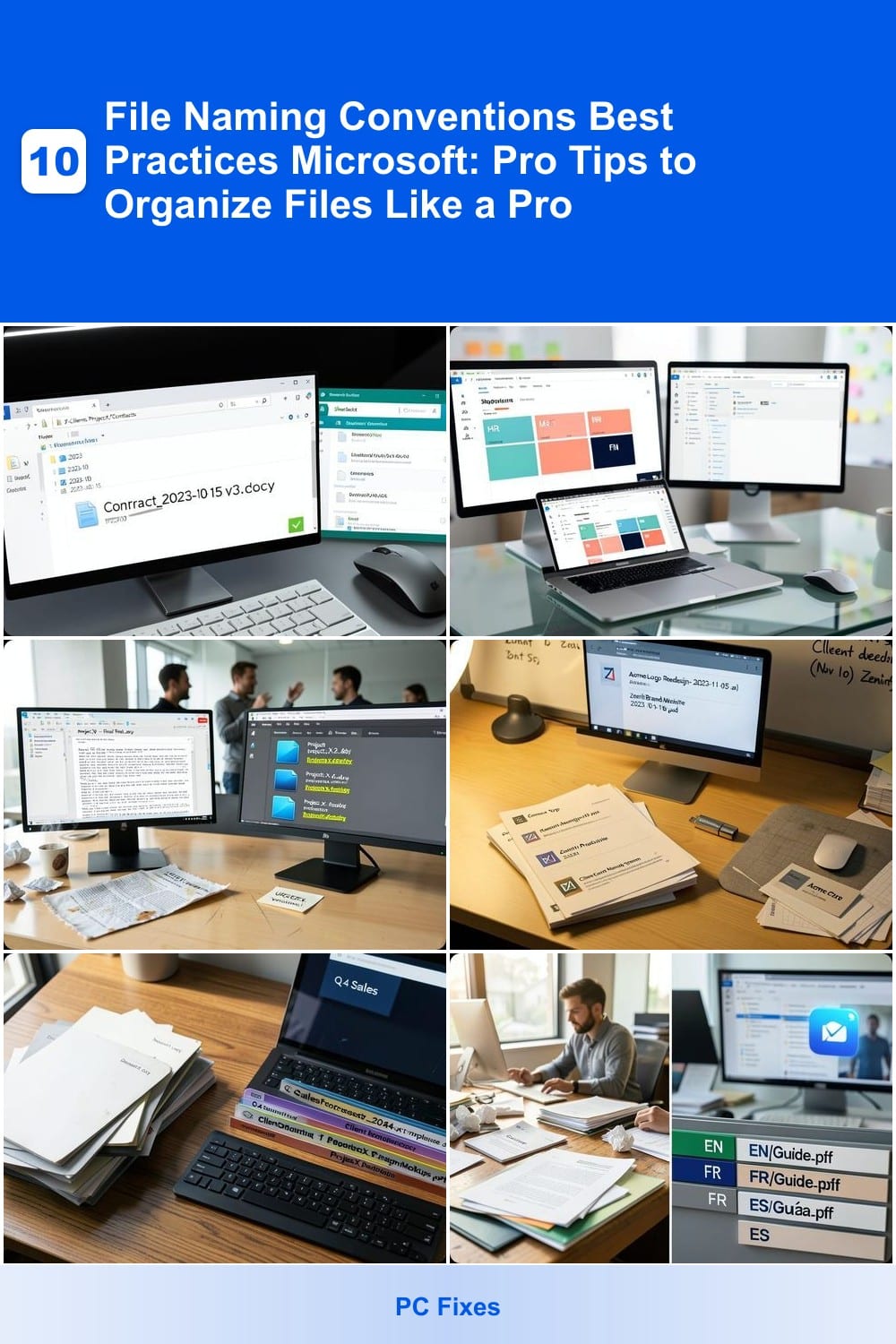
Struggling to keep your Microsoft files organized? Clear, consistent file naming saves time, reduces errors, and makes collaboration seamless. These seven Microsoft file naming best practices will transform your digital…

Read more

Categories Tip & Trick

How Long Can You Leave Your PC On: Safe Limits and Heat-Related Risks Explained

October 6, 2026 by Dolores Alvarado
How Long Can You Leave Your PC On: Safe Limits and Heat-Related Risks Explained

💥 Quick Answer You can safely leave your PC on for extended periods, but continuous operation beyond 8–12 hours at a time risks accelerating wear on critical components like fans, thermal paste, and…

Read more

Categories Tip & Trick

OneDrive Access on PC: Instant Setup in 3 Simple Clicks

October 12, 2026 by Dolores Alvarado
OneDrive Access on PC: Instant Setup in 3 Simple Clicks

Accessing OneDrive on your PC is shockingly simple—no tech degree required. ✨ I’ve helped dozens of friends set it up in under five minutes, and the process hasn’t changed much since I first used it at Microsoft. Whether…

Read more

Categories Tip & Trick

OneDrive Photos Access: Instant Local Viewer for PC in Seconds

November 24, 2026 by Dolores Alvarado
OneDrive Photos Access: Instant Local Viewer for PC in Seconds

To access your OneDrive photos on a PC instantly, you don’t need to wait for full syncs or dig through cloud menus—just open the built-in web viewer in seconds. ✨ I’ve used this trick for years to skip the OneDrive…

Read more

Categories Tip & Trick

How to Add a Watermark to a Photo: Instant Branding Without Losing Clarity

October 13, 2026 by Dolores Alvarado
How to Add a Watermark to a Photo: Instant Branding Without Losing Clarity

To add a watermark to a photo, you don’t need expensive software or a degree in design—just a few minutes and the right tool. ✨ I’ve watermarked thousands of images over the years, from client photos to personal…

Read more

Categories Tip & Trick

How to Add Bluetooth to Your PC: Wireless Freedom in Minutes Without Dongles

October 7, 2026 by Dolores Alvarado
How to Add Bluetooth to Your PC: Wireless Freedom in Minutes Without Dongles

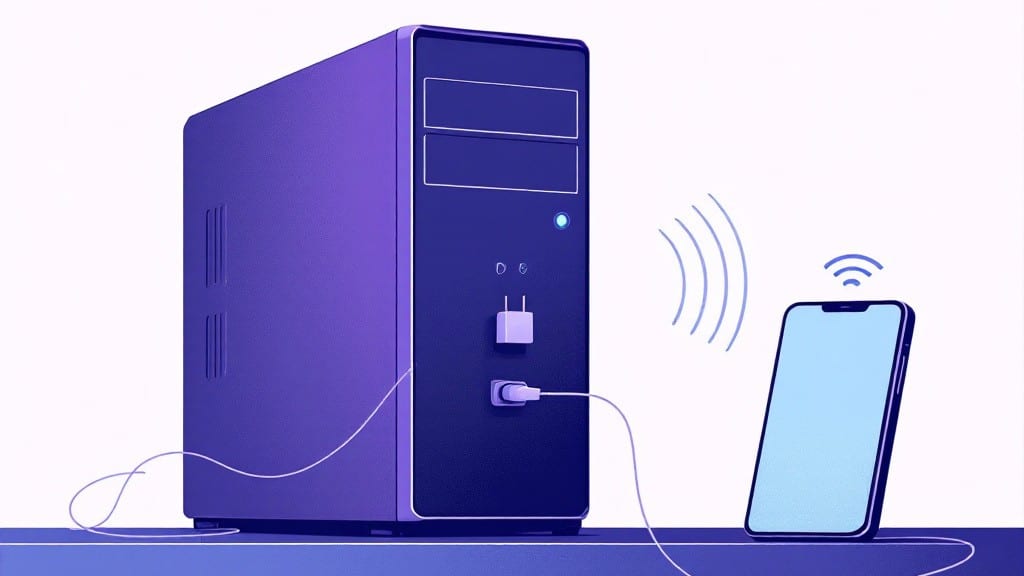
Adding Bluetooth to your PC is easier than you think—whether you're using a built-in adapter or a cheap USB dongle. ✨ I’ve helped dozens of friends upgrade their older machines this way, and the process takes less than…

Read more

Categories Tip & Trick

How to Add Captions to a Video: Timing Sync and Accessibility Made Easy

October 15, 2026 by Dolores Alvarado
How to Add Captions to a Video: Timing Sync and Accessibility Made Easy

Adding captions to a video used to mean hiring a pro or staring at a blank SRT file for hours. ✨ I’ve spent countless hours perfecting this process—from my uncle’s basement workshop in 1998 to today’s AI tools—and now…

Read more

Categories Tip & Trick

How to Add Storage to Google Drive: Boost Your Space in 5 Simple Clicks

November 23, 2026 by Dolores Alvarado
How to Add Storage to Google Drive: Boost Your Space in 5 Simple Clicks

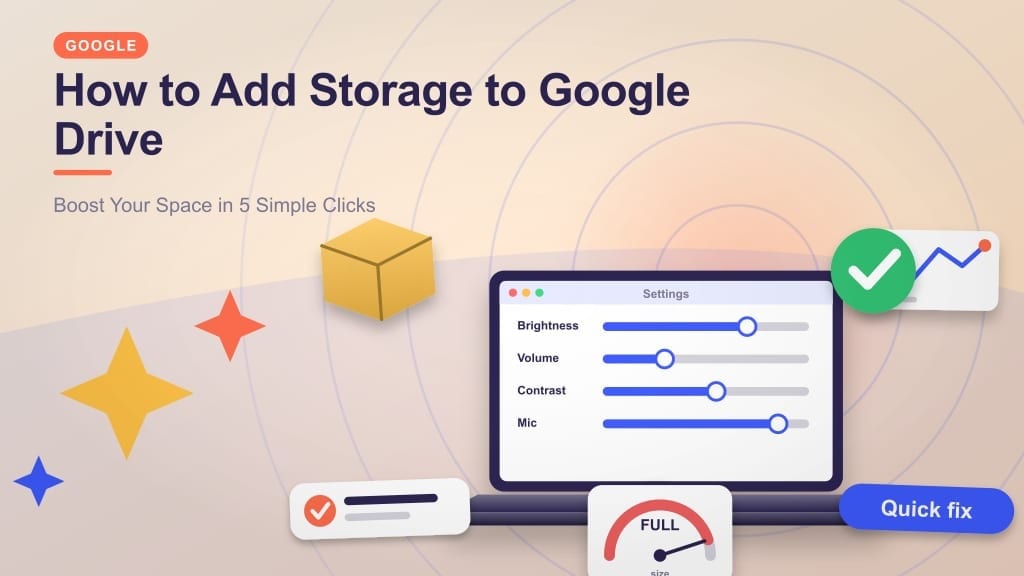
Adding storage to Google Drive used to mean scrambling through settings menus, but today it’s just five clicks away. ✨ I’ve helped dozens of friends upgrade their accounts—some paid, some free—and the process is now…

Read more

Categories Tip & Trick

How to Add Text on TikTok PC: Screen Recording Trick for Perfect Captions

October 15, 2026 by Dolores Alvarado
How to Add Text on TikTok PC: Screen Recording Trick for Perfect Captions

Adding text to TikTok videos on your PC doesn't require a phone—this screen recording trick works like magic. ✨ I spent hours testing different methods, and this one consistently delivers perfect captions without…

Read more

Categories Tip & Trick
Page1Page2Page3…Page5Next →

About Me

Dolores Alvarado

Dolores Alvarado
My first computer was a clunky desktop my dad built from parts in his garage, and I spent hours tinkering with it—mostly just crashing the system until he’d sigh and reboot it for me. That machine taught me two things: tech can be intimidating, but with the right guidance, anyone can master it. Here, I aim to break down the chaos of computing into clear, actionable steps—whether you're troubleshooting a stubborn Windows update or trying to figure out why your Wi-Fi keeps dropping. Think of me as the friend who’s been there, holding your hand through every glitch and triumph.

Learn more

Recent Posts

  • Can My PC Run Windows 11: Exact System Check and TPM 2.0 Clarity
    Can My PC Run Windows 11: Exact System Check and TPM 2.0 Clarity
  • What Is Xbox PC RGB: How It Works and Why It Matters for Gamers
    What Is Xbox PC RGB: How It Works and Why It Matters for Gamers
  • Checking Email From Another Computer: Secure Access Without Passwords
    Checking Email From Another Computer: Secure Access Without Passwords
  • MS Virtual PC for Windows 7: Legacy Mode Setup Without Performance Loss
    MS Virtual PC for Windows 7: Legacy Mode Setup Without Performance Loss
  • How to Add Columns in Powerpoint: Quick Layout Tricks for Professional Designs
    How to Add Columns in Powerpoint: Quick Layout Tricks for Professional Designs
  • All Guides
  • About
  • Contact
  • Privacy Policy
  • Cookie Policy
  • Terms of Use
© 2026 pcfixes.click