Skip to content
PC Fixes

PC Fixes

  • All Articles
  • App
  • Coding
  • Hardware
  • More
    • Operating System
    • Outlook
    • PowerPoint
    • Software
    • Tip & Trick
    • Troubleshooting
    • Windows

Software

Can You Play Fable 3 on PC: Official Compatibility and Launch Methods

November 21, 2026 by Dolores Alvarado
Can You Play Fable 3 on PC: Official Compatibility and Launch Methods

💥 Quick Answer You can play Fable 3 on PC through Steam, Xbox Game Pass, or Windows 10/11 backward compatibility mode. The game runs on older hardware requiring at least an Intel Core 2 Duo or AMD Athlon 64 X2…

Read more

Categories Software

EPM Add-In for Microsoft Office 2010: Direct Download & Installation Steps

November 20, 2026 by Dolores Alvarado
EPM Add-In for Microsoft Office 2010: Direct Download & Installation Steps

The EPM Add-In for Microsoft Office 2010 download is your key to unlocking advanced project management tools in Excel and Project—if you know where to look. Microsoft’s official support ended years ago, leaving many…

Read more

Categories Software

How To Add File Paths In Excel: Dynamic Links That Update Automatically

October 12, 2026 by Dolores Alvarado
How To Add File Paths In Excel: Dynamic Links That Update Automatically

To add file paths in Excel and make them update automatically, you’ll need just two things: a cell for the path and the right formula. ✨ I’ve spent hours fixing broken links in spreadsheets where someone pasted a static…

Read more

Categories Software

How to Add Formula Bar in Excel: Instant Visibility in 3 Clicks

November 20, 2026 by Dolores Alvarado
How to Add Formula Bar in Excel: Instant Visibility in 3 Clicks

Learn how to add the formula bar in Excel after that Windows update—just hit Ctrl+Shift+U, and boom, your secret superpower’s back, revealing every cell’s magic in that little strip. ✨ restore than you’d think. Whether…

Read more

Categories Software

How to Add Symbols in Excel: Keyboard Shortcuts That Work Every Time

October 13, 2026 by Dolores Alvarado
How to Add Symbols in Excel: Keyboard Shortcuts That Work Every Time

Adding symbols in Excel doesn't require hunting through menus—my keyboard shortcuts method works instantly across Windows, Mac, and online versions. ⚡ I've used these tricks for years to insert currency signs…

Read more

Categories Software

M-Files Export to Excel: Step-by-Step Data Transfer Without Errors

November 20, 2026 by Dolores Alvarado
M-Files Export to Excel: Step-by-Step Data Transfer Without Errors

Mastering M-files to export to Excel saved me from endless debugging loops—here’s the workflow I tested to make it seamless. ✨ have to. Whether you’re working with a single variable or a complex table, there’s a…

Read more

Categories Software

Microsoft Word Add-Ins Download: Trusted Sources & Step-by-Step Installation Guide

November 21, 2026 by Dolores Alvarado
Microsoft Word Add-Ins Download: Trusted Sources & Step-by-Step Installation Guide

Downloading Microsoft Word add-ins from trusted sources is the fastest way to unlock features like AI-powered editing, sleek templates, and seamless integrations—without risking malware or broken tools. Picture this: You…

Read more

Categories Software

PowerView Excel 2013 Add-In Download: Direct Microsoft Office 2013 Compatibility Fix

November 21, 2026 by Dolores Alvarado
PowerView Excel 2013 Add-In Download: Direct Microsoft Office 2013 Compatibility Fix

You can still download the PowerView Excel 2013 add-in directly from Microsoft’s archives—even though official support ended years ago. If you’ve ever opened Excel 2013 and found PowerView missing, you’re not alone. The…

Read more

Categories Software

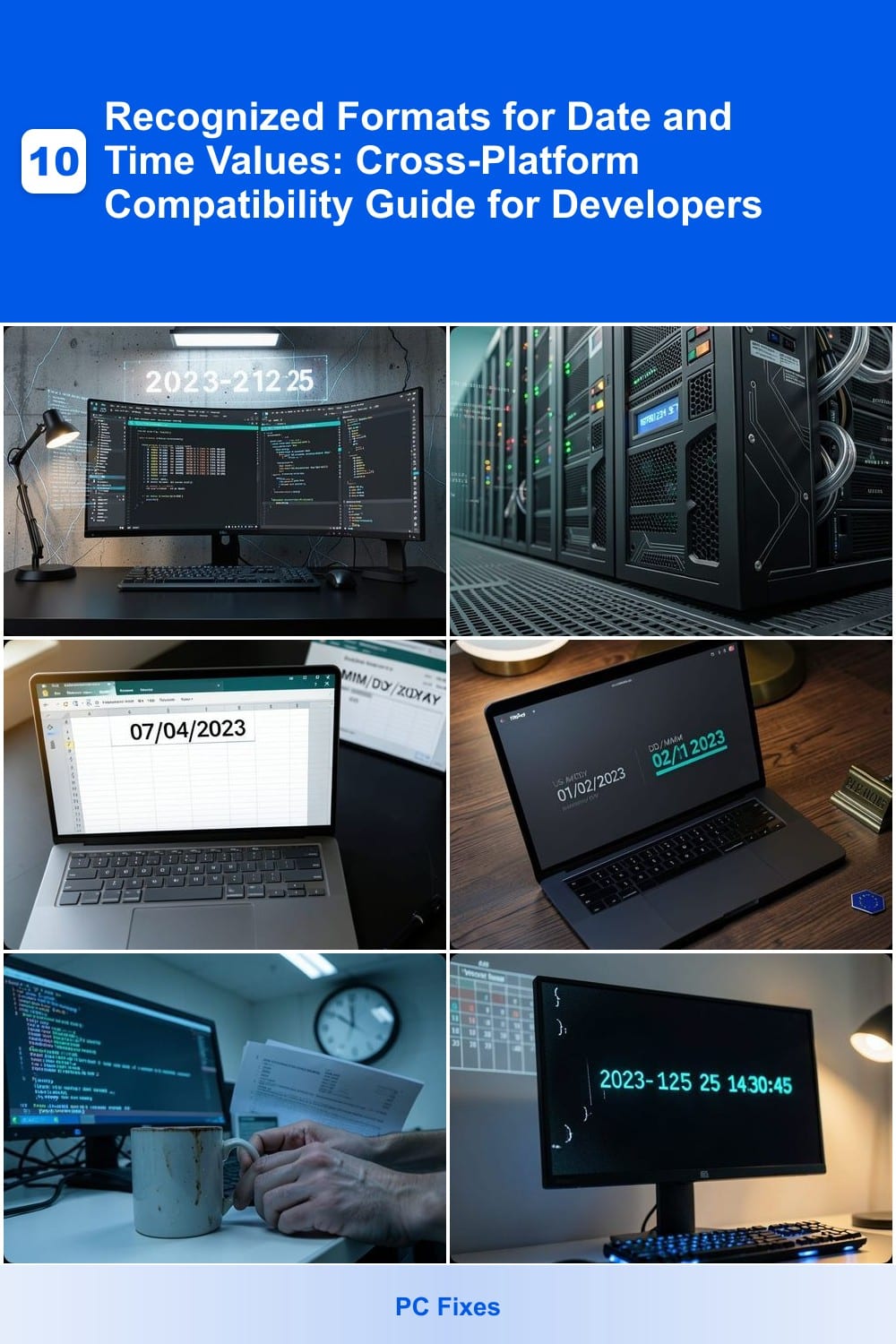
10 Recognized Formats for Date and Time Values: Cross-Platform Compatibility Guide for Developers

October 15, 2026 by Dolores Alvarado
10 Recognized Formats for Date and Time Values: Cross-Platform Compatibility Guide for Developers

Developers and tech professionals must handle date and time values across platforms. These 10 globally recognized formats ensure seamless compatibility in APIs, databases, and applications—whether you're working with ISO…

Read more

Categories Software

Lync Meeting Add-In for Microsoft Office 2010: Legacy Integration Steps for Smooth Meetings

November 24, 2026 by Dolores Alvarado
Lync Meeting Add-In for Microsoft Office 2010: Legacy Integration Steps for Smooth Meetings

The Lync Meeting Add-in for Microsoft Office 2010 lets you schedule and join calls directly from Word, PowerPoint, and Outlook—no browser needed. Struggling to integrate Lync meetings directly into your Microsoft Office…

Read more

Categories Software

About Me

Dolores Alvarado

Dolores Alvarado
My first computer was a clunky desktop my dad built from parts in his garage, and I spent hours tinkering with it—mostly just crashing the system until he’d sigh and reboot it for me. That machine taught me two things: tech can be intimidating, but with the right guidance, anyone can master it. Here, I aim to break down the chaos of computing into clear, actionable steps—whether you're troubleshooting a stubborn Windows update or trying to figure out why your Wi-Fi keeps dropping. Think of me as the friend who’s been there, holding your hand through every glitch and triumph.

Learn more

Recent Posts

  • Can My PC Run Windows 11: Exact System Check and TPM 2.0 Clarity
    Can My PC Run Windows 11: Exact System Check and TPM 2.0 Clarity
  • What Is Xbox PC RGB: How It Works and Why It Matters for Gamers
    What Is Xbox PC RGB: How It Works and Why It Matters for Gamers
  • Checking Email From Another Computer: Secure Access Without Passwords
    Checking Email From Another Computer: Secure Access Without Passwords
  • MS Virtual PC for Windows 7: Legacy Mode Setup Without Performance Loss
    MS Virtual PC for Windows 7: Legacy Mode Setup Without Performance Loss
  • How to Add Columns in Powerpoint: Quick Layout Tricks for Professional Designs
    How to Add Columns in Powerpoint: Quick Layout Tricks for Professional Designs
  • All Guides
  • About
  • Contact
  • Privacy Policy
  • Cookie Policy
  • Terms of Use
© 2026 pcfixes.click