
Software
Developers and tech professionals must handle date and time values across platforms. These 10 globally recognized formats ensure seamless compatibility in APIs, databases, and applications—whether you're working with ISO standards, legacy systems, or regional conventions.
ISO 8601 Standard Date Format

If your application needs to speak every programming language and database dialect, ISO 8601 is the universal translator for dates. This standard—YYYY-MM-DD—eliminates ambiguity by placing the year first, ensuring machines worldwide interpret "2023-12-25" as December 25, 2023, not the 25th of December.
The format extends beyond dates to include times (YYYY-MM-DDTHH:MM:SSZ) and even time zones, making it ideal for APIs, JSON payloads, and SQL queries. Libraries like Python’s datetime and JavaScript’s Date natively support it, while databases from PostgreSQL to MongoDB use it for sorting and indexing.
Developers building international systems—think SaaS platforms or global logistics tools—should default to ISO 8601 to avoid regional parsing headaches. It’s the backbone of modern data interchange. ⚡
Unix Timestamp (Epoch Time)

When your application needs to track time with millisecond precision—like server logs or financial transactions—Unix timestamps are the backbone of backend systems. Unlike human-readable formats, this integer-based system counts seconds (and fractions) since January 1, 1970, making it ideal for calculations and comparisons.
The format, often seen as 1671952000 (representing December 25, 2023), is universally supported in Linux/Unix environments. It’s lightweight, easy to store in databases, and integrates seamlessly with programming languages like Python, Java, and JavaScript. For example, converting it to a readable date in Python is as simple as datetime.fromtimestamp(1671952000).
Backend developers, DevOps engineers, and sysadmins rely on Unix timestamps for time-based analytics, session tracking, and scheduled tasks. Its simplicity and precision make it the go-to for applications where every second counts. ⚡
US Short Date Format (MM/DD/YYYY)
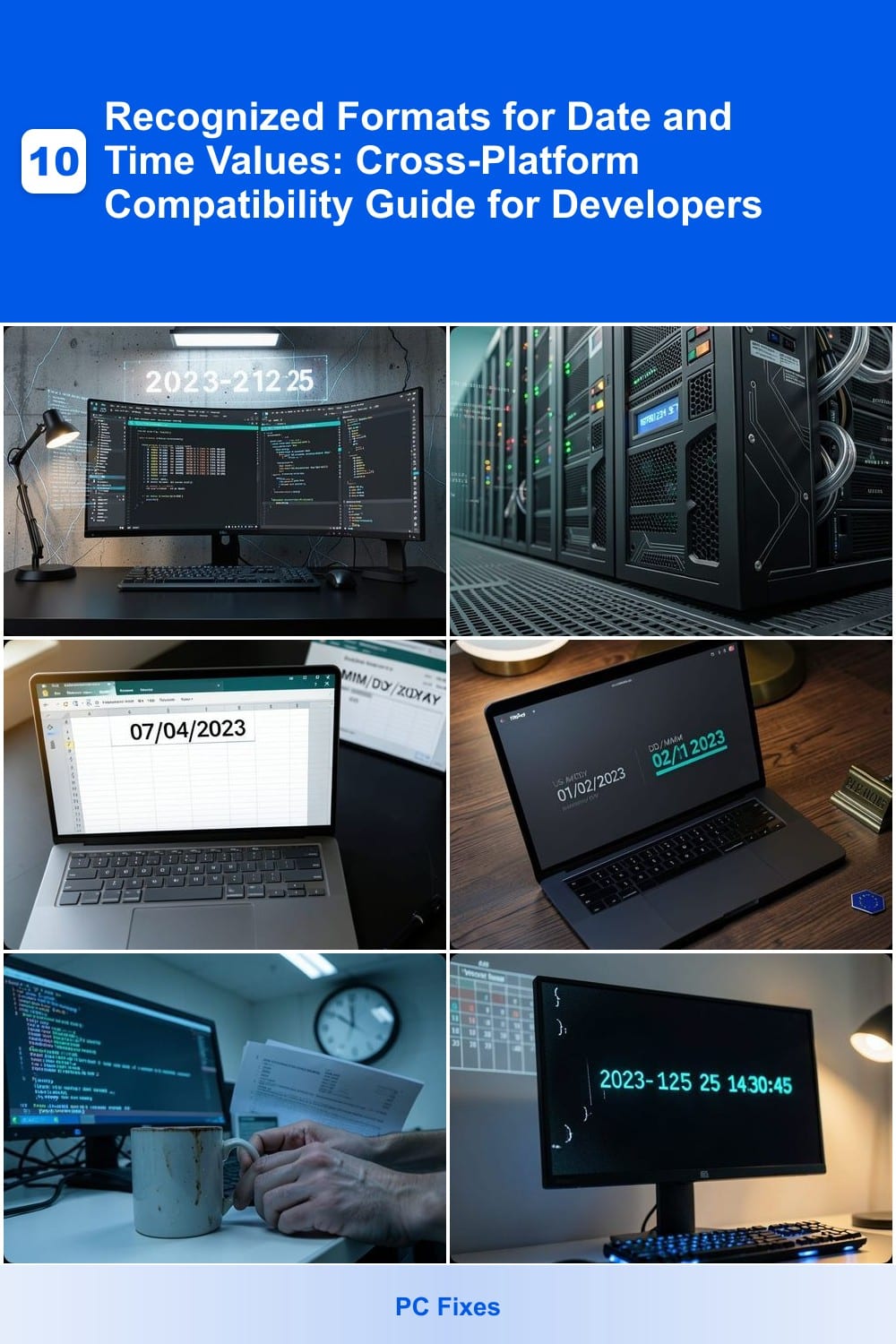
If you're building software for US users, MM/DD/YYYY isn't just a format—it's the default expectation. Microsoft Office, QuickBooks, and countless legacy systems rely on this structure, making it non-negotiable for applications targeting American audiences.
This format uses two-digit months and days followed by four-digit years (e.g., 12/25/2023), which aligns with how most Americans read dates aloud. It’s deeply embedded in Windows regional settings, Excel spreadsheets, and Outlook calendars, ensuring consistency across Microsoft’s ecosystem.
For developers maintaining US-focused applications—especially those with user-facing interfaces—this format reduces confusion and avoids costly rework. Just remember: 02/03/2024 means February 3rd, not March 2nd! 💻
European Date Format (DD/MM/YYYY)
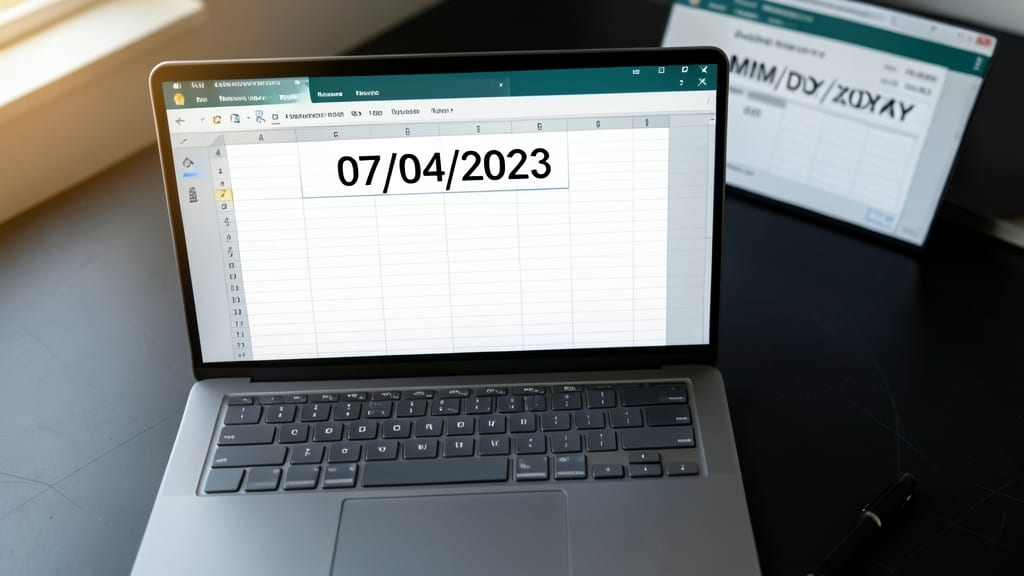
If you're developing software for European markets, the DD/MM/YYYY format isn’t just a preference—it’s a necessity. Unlike the US format, this structure eliminates ambiguity by placing the day first, ensuring clarity in regions where "01/02/2023" could mean January 2nd or February 1st.
This format is the default in Windows, macOS, and Linux systems across the EU, and it’s critical for financial transactions, healthcare records, and legal documents where precision matters. For example, a bank processing payments on the 25th of December wouldn’t want to risk confusion with the US format. Many European programming libraries and APIs also default to this structure, reducing conversion overhead.
Ideal for developers targeting EU audiences, this format ensures compliance with regional standards while avoiding costly parsing errors. 💻
RFC 2822 (Email Date Format)

If you’ve ever debugged an email API or parsed SMTP headers, you’ve likely stumbled upon RFC 2822—the unsung hero of email date formatting. Unlike ISO 8601 or Unix timestamps, this standard defines how dates appear in email headers, like 'Mon, 25 Dec 2023 14:30:00 +0000', ensuring consistency across clients and servers.
The format combines a three-letter day abbreviation, month name, day, time in 24-hour format, and a timezone offset (e.g., +0000). This structure is critical for parsing incoming emails, validating timestamps, and ensuring compatibility with protocols like IMAP or SMTP. Libraries like Python’s email.utils module rely on RFC 2822 for parsing headers correctly.
Developers working with email systems—whether building APIs, parsing logs, or integrating with legacy mail servers—must account for this format. It’s the hidden standard that keeps your inbox’s timestamps reliable. ✨
SQL Date Format (YYYY-MM-DD HH:MI:SS)
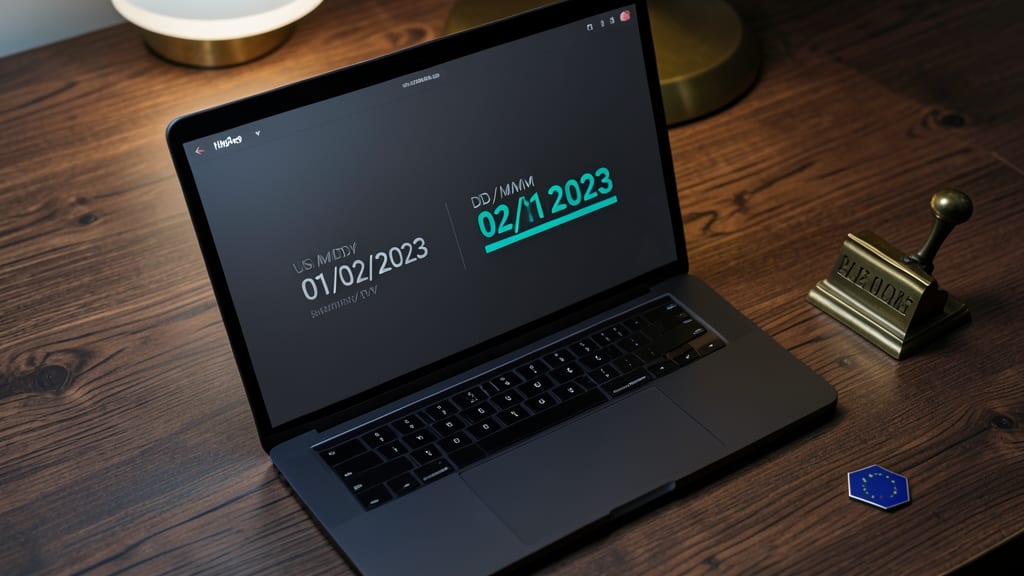
When writing queries that need to filter by exact moments—not just dates—SQL’s YYYY-MM-DD HH:MI:SS format is your go-to. Unlike ISO 8601’s date-only version, this format includes hours, minutes, and seconds, making it ideal for time-sensitive operations like event scheduling or transaction logs.
Supported across MySQL, PostgreSQL, and SQL Server, this format ensures consistency whether you’re querying a DATETIME or TIMESTAMP column. For example, '2023-12-25 14:30:00' precisely captures a specific moment, unlike ambiguous formats. Most SQL clients and ORMs automatically handle this format, reducing parsing errors in your backend logic.
Backend developers and database administrators will find this format indispensable for accurate time-based filtering. It’s the default choice for applications where milliseconds matter—like financial systems or real-time analytics. ✨
JavaScript Date Object Format
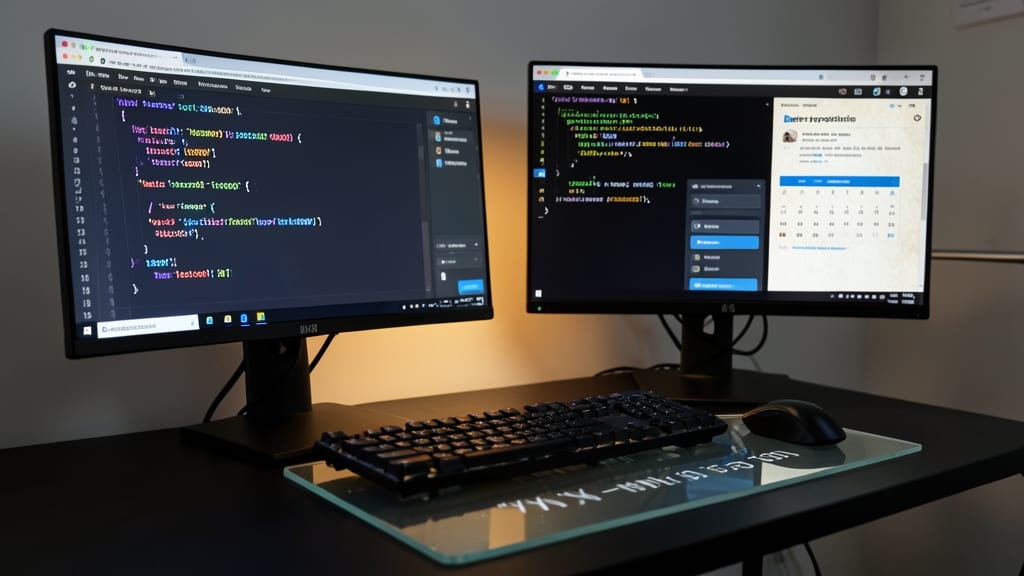
Frontend developers building dynamic apps often rely on JavaScript’s native Date object, which outputs dates like 'Mon Dec 25 2023 14:30:00 GMT+0000()'. Unlike other formats, this isn’t just a string—it’s a full-fledged object with built-in methods for parsing, formatting, and timezone adjustments.
The toString() method returns the full date-time string, while methods like toLocaleString() let you customize output for specific locales. This format excels in real-time applications (think countdowns or live updates) where you need to manipulate dates without external libraries. However, its verbose nature can complicate parsing in APIs.
Ideal for developers working with vanilla JS or lightweight frameworks, this format bridges the gap between human-readable dates and programmatic logic. 💻
24-Hour Military Time (HHMM)
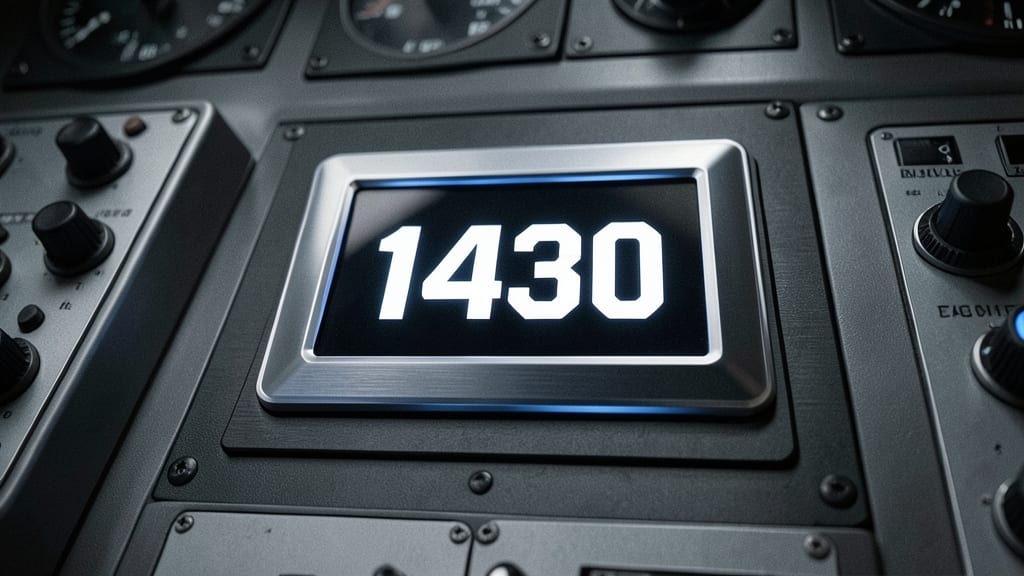
When precision matters more than convenience, 24-hour military time (HHMM) eliminates ambiguity by removing AM/PM entirely. Used in aviation, military operations, and healthcare systems, formats like 1430 (2:30 PM) ensure clarity in high-stakes environments where miscommunication could have critical consequences.
This format strips away regional confusion by representing time as four digits (HHMM), where 1430 always means 2:30 PM regardless of location. It’s widely supported in GPS systems, flight logs, and medical records, where even a second’s misinterpretation could lead to errors. The simplicity of this format makes it ideal for automated logging, scheduling, and data exchange where consistency is non-negotiable.
If you're building systems for industries where time precision is critical—like logistics, aviation, or healthcare—24-hour military time is the gold standard for unambiguous communication. ⚡
Excel Custom Date Format
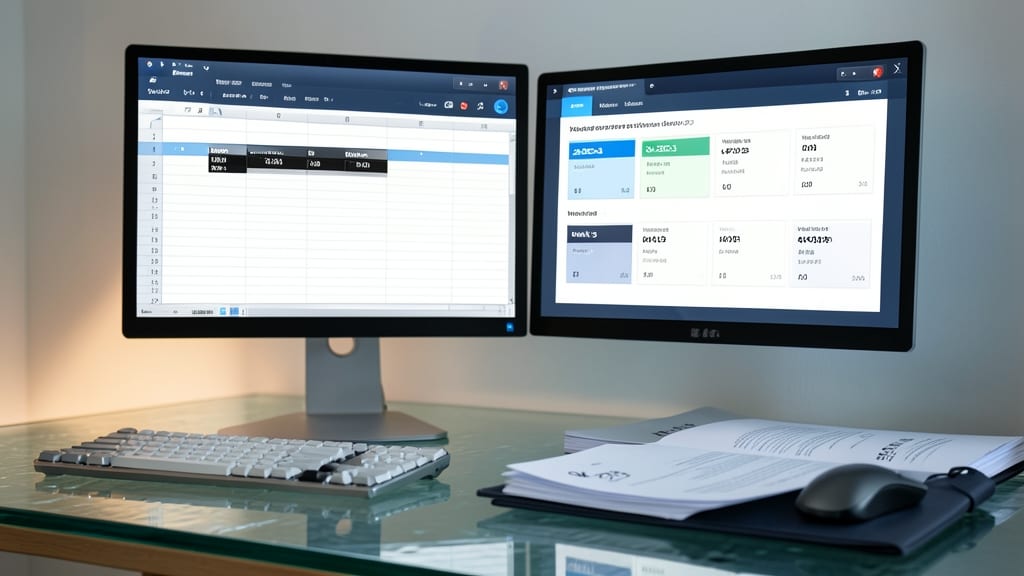
When your financial reports need a polished, professional touch, Excel’s custom date formats let you tailor dates to your exact needs—without sacrificing functionality. Unlike rigid regional formats, you can display dates as '25-DEC-23', 'Q4-2023', or even 'Week 52' for custom reporting.
This flexibility shines in financial modeling, where abbreviations like 'DD-MMM-YY' save space while maintaining clarity. You can also add color-coding (e.g., red for overdue dates) or suppress zeros for cleaner presentations. The Format Cells dialog makes it easy to switch between formats mid-project without rewriting data.
Accountants, analysts, and business owners rely on this for audit-ready spreadsheets and client-facing documents. It’s the secret weapon for turning raw data into professional, branded reports. ✨
JSON Date-Time Format

When your API needs to speak the same language as frontend frameworks, JSON Date-Time Format bridges the gap. Unlike other formats, it’s specifically designed for seamless serialization in JSON payloads, ensuring consistency between backend services and client-side applications.
Microsoft’s legacy format—/Date(1671952000000)/—represents milliseconds since 1970, while modern APIs increasingly adopt ISO 8601 strings like "2023-12-25T14:30:00Z" for clarity. Libraries like moment.js or date-fns simplify parsing, but understanding these formats is critical for debugging API responses or syncing data across stacks.
Backend developers and full-stack engineers will find this format indispensable for real-time apps, logging, and analytics where precision matters. 💻