Skip to content
PC Fixes

PC Fixes

  • All Articles
  • App
  • Coding
  • Hardware
  • More
    • Operating System
    • Outlook
    • PowerPoint
    • Software
    • Tip & Trick
    • Troubleshooting
    • Windows

All Recipes — Page 13

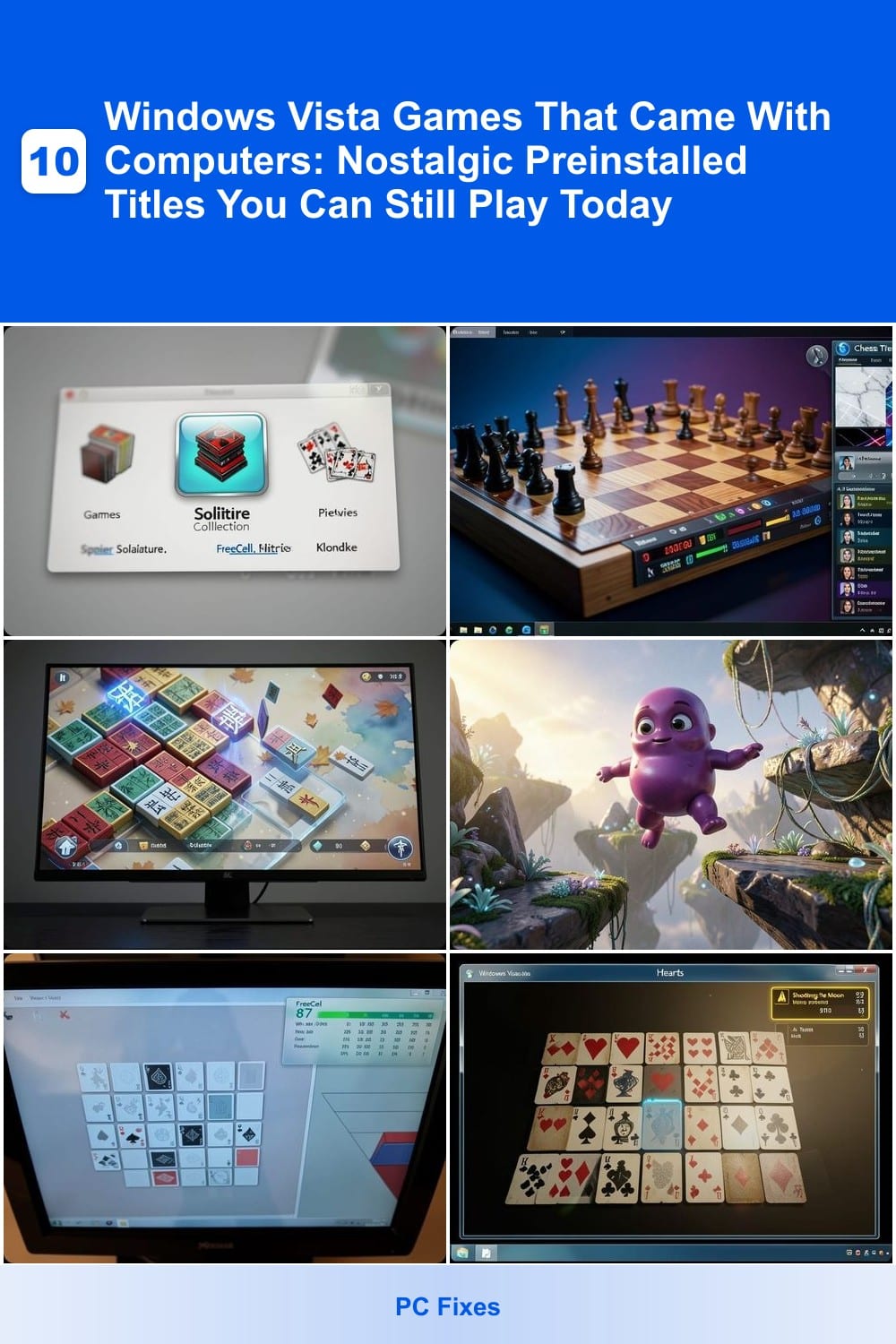
10 Windows Vista Games That Came With Computers: Nostalgic Preinstalled Titles You Can Still Play Today
October 15, 2026 by Dolores Alvarado
10 Windows Vista Games That Came With Computers: Nostalgic Preinstalled Titles You Can Still Play Today

Remember the games preinstalled on your Windows Vista computer? These nostalgic titles shaped a generation of gamers and still hold up today. From classic puzzles to simple adventures, here are 10 preloaded Vista games…


Read more

Categories Windows

Xbox Administrator Approval Required for Installation: Bypass Workaround for Seamless Installation

October 15, 2026 by Dolores Alvarado
Xbox Administrator Approval Required for Installation: Bypass Workaround for Seamless Installation

Facing the "Xbox administrator approval required for the installation" error feels like hitting a digital brick wall when all you want is to dive into your game. I’ve seen it block gamers mid-download, freeze…

Read more

Categories Troubleshooting

How to Add a Slide to an Existing Powerpoint Presentation: Click-Drag Method in Seconds

October 13, 2026 by Dolores Alvarado
How to Add a Slide to an Existing Powerpoint Presentation: Click-Drag Method in Seconds

Transform your PowerPoint presentations with the how to add a slide to an existing PowerPoint presentation trick—no rigid structures, just a click-drag in seconds. ✨ This technique bypasses the traditional "New Slide…

Read more

Categories PowerPoint

How to Add a Watermark to a Photo: Instant Branding Without Losing Clarity

October 13, 2026 by Dolores Alvarado
How to Add a Watermark to a Photo: Instant Branding Without Losing Clarity

To add a watermark to a photo, you don’t need expensive software or a degree in design—just a few minutes and the right tool. ✨ I’ve watermarked thousands of images over the years, from client photos to personal…

Read more

Categories Tip & Trick

How to Add Members to an Outlook Group: Step-by-Step Visual Guide for Quick Setup

October 13, 2026 by Dolores Alvarado
How to Add Members to an Outlook Group: Step-by-Step Visual Guide for Quick Setup

Adding members to an Outlook group shouldn’t take longer than it does to brew a cup of coffee— under 2 minutes if you follow the right path. 💻 I’ve helped teams waste hours chasing the wrong settings, but there’s a…

Read more

Categories Outlook

How to Add Symbols in Excel: Keyboard Shortcuts That Work Every Time

October 13, 2026 by Dolores Alvarado
How to Add Symbols in Excel: Keyboard Shortcuts That Work Every Time

Adding symbols in Excel doesn't require hunting through menus—my keyboard shortcuts method works instantly across Windows, Mac, and online versions. ⚡ I've used these tricks for years to insert currency signs…

Read more

Categories Software

How to Add Template to Powerpoint: Instant Download and Customize in Minutes

October 13, 2026 by Dolores Alvarado
How to Add Template to Powerpoint: Instant Download and Customize in Minutes

Adding a template to PowerPoint transforms your presentations from generic to polished in seconds. ✨ I’ve used this trick to save hours of formatting—whether it’s a client pitch deck or a family slideshow—by starting…

Read more

Categories PowerPoint

How to Add Thumbnail to Video: Instant Branding Without Quality Loss

October 13, 2026 by Dolores Alvarado
How to Add Thumbnail to Video: Instant Branding Without Quality Loss

Adding a custom thumbnail to your video is the fastest way to make it look professional—no fancy editing skills required. ✨ I’ve done this hundreds of times for clients and my own projects, and the right method depends…

Read more

Categories Tip & Trick

PC Performance Check: Real-Time Speed Test With 5 Key Metrics

October 13, 2026 by Dolores Alvarado
PC Performance Check: Real-Time Speed Test With 5 Key Metrics

To check your PC's performance, start with Windows' built-in tools—Task Manager and Resource Monitor—because they reveal exactly what's happening under the hood. 💻 I remember the first time I opened Task Manager in my…

Read more

Categories Tip & Trick

How to Check Purchase History on Xbox: Find Every Transaction in Minutes

October 13, 2026 by Dolores Alvarado
How to Check Purchase History on Xbox: Find Every Transaction in Minutes

Here’s how to check your Xbox purchase history —it’s easier than you think, thanks to Microsoft’s unified Store system, which consolidates every transaction, whether you bought games on console, PC, or mobile. 💻 in the…

Read more

Categories Tip & Trick
Page1…Page11Page12Page13Page14Page15…Page20Next →

About Me

Dolores Alvarado

Dolores Alvarado
My first computer was a clunky desktop my dad built from parts in his garage, and I spent hours tinkering with it—mostly just crashing the system until he’d sigh and reboot it for me. That machine taught me two things: tech can be intimidating, but with the right guidance, anyone can master it. Here, I aim to break down the chaos of computing into clear, actionable steps—whether you're troubleshooting a stubborn Windows update or trying to figure out why your Wi-Fi keeps dropping. Think of me as the friend who’s been there, holding your hand through every glitch and triumph.

Learn more

Recent Posts

  • Can My PC Run Windows 11: Exact System Check and TPM 2.0 Clarity
    Can My PC Run Windows 11: Exact System Check and TPM 2.0 Clarity
  • What Is Xbox PC RGB: How It Works and Why It Matters for Gamers
    What Is Xbox PC RGB: How It Works and Why It Matters for Gamers
  • Checking Email From Another Computer: Secure Access Without Passwords
    Checking Email From Another Computer: Secure Access Without Passwords
  • MS Virtual PC for Windows 7: Legacy Mode Setup Without Performance Loss
    MS Virtual PC for Windows 7: Legacy Mode Setup Without Performance Loss
  • How to Add Columns in Powerpoint: Quick Layout Tricks for Professional Designs
    How to Add Columns in Powerpoint: Quick Layout Tricks for Professional Designs
  • All Guides
  • About
  • Contact
  • Privacy Policy
  • Cookie Policy
  • Terms of Use
© 2026 pcfixes.click