
Tip & Trick
Remote work offers flexibility but exposes you to cyber threats like phishing, malware, and data leaks. These 10 security best practices—backed by IT experts—will fortify your digital workspace and keep hackers at bay without sacrificing productivity.
Multi-Factor Authentication for Every Account
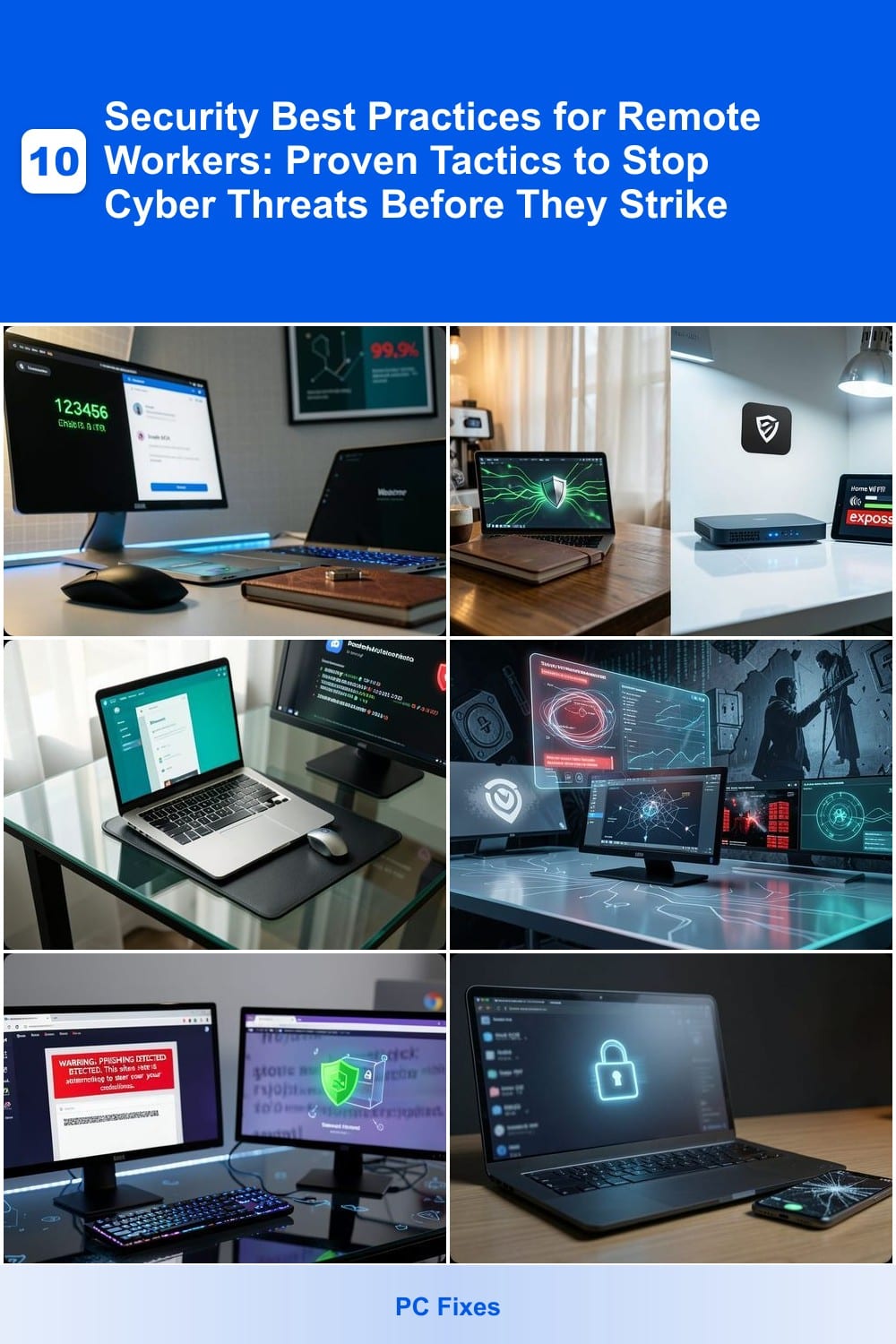
Credential theft is the #1 entry point for cyberattacks—but multi-factor authentication (MFA) blocks 99.9% of automated breaches. Whether it’s your email, bank, or work accounts, enabling MFA adds a second (or third) layer of protection beyond just passwords.
Apps like Authy or Google Authenticator generate time-based codes, while hardware keys (like YubiKey) offer phishing-resistant security. The best part? Most services—from Microsoft 365 to Gmail—support MFA with zero-config setup. Even free options like Authy sync across devices and auto-backup codes.
This is non-negotiable for remote workers handling sensitive data. Start with your most critical accounts—banking, email, and work logins—then expand to social media and shopping sites. One tap or key press could save you from a nightmare. ⚡
Virtual Private Network for All Connections
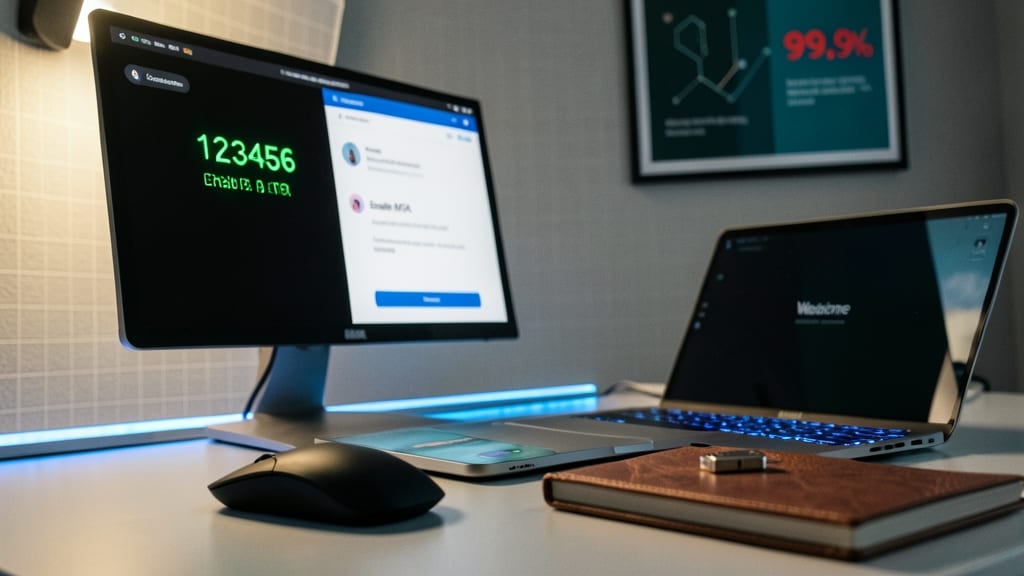
Your home Wi-Fi might be secure, but public networks and even your ISP can expose your data. A VPN routes all your traffic through an encrypted tunnel, making it impossible for hackers, advertisers, or even your internet provider to spy on your activity—whether you're browsing coffee shop Wi-Fi or working from a hotel.
Look for providers with a kill switch (cuts your connection if the VPN drops) and a strict no-logs policy (like ProtonVPN or NordVPN), which means they can’t hand over your browsing history to authorities. These services also mask your IP address, preventing geo-blocking and protecting you from targeted attacks on unsecured networks.
Remote workers, freelancers, and anyone using shared networks should prioritize a VPN—especially when accessing sensitive work files. A few clicks to enable it turns your entire session into a fortress. ✨
Password Manager with Biometric Access
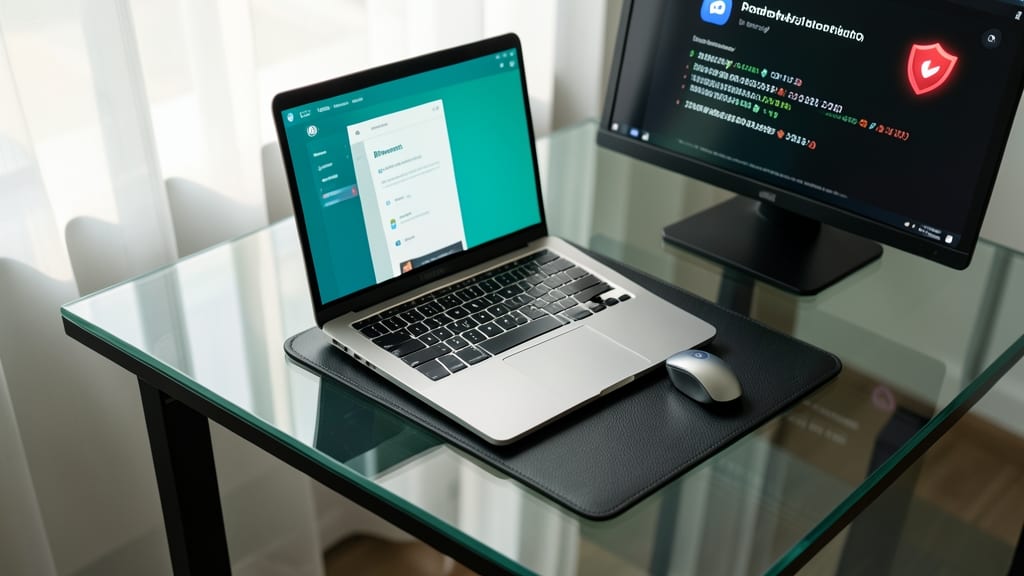
Tired of resetting passwords every month? A password manager with biometric access—like Bitwarden or 1Password—eliminates weak passwords and reuse risks by generating and storing ultra-secure credentials for you.
These tools go beyond storage with breach monitoring, auto-updating compromised credentials before attackers exploit them. Features like Face ID or fingerprint unlock ensure only you access your vault, while zero-knowledge architecture keeps your data private. Bitwarden even offers a free, open-source tier, making it accessible for all budgets.
Perfect for remote workers juggling multiple accounts, this setup turns password management from a chore into a fully automated, secure process. ⚡
Endpoint Detection and Response Software
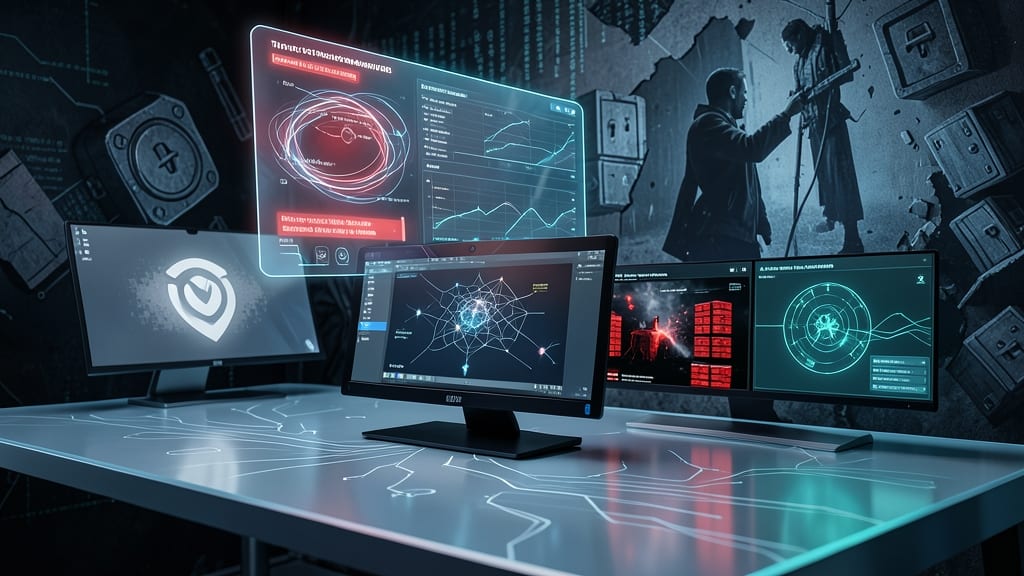
Antivirus alone isn’t enough to stop today’s sophisticated cyberattacks—you need Endpoint Detection and Response (EDR) software that hunts threats in real time. Unlike traditional antivirus, which relies on known signatures, EDR uses AI-driven behavioral analysis to detect and block ransomware, zero-day exploits, and fileless malware before they execute.
Tools like CrowdStrike Falcon or SentinelOne provide continuous monitoring, automated threat containment, and detailed forensic reports—all without slowing down your device. They integrate with your existing security stack and offer cloud-based management, so you can monitor endpoints across your entire team from a single dashboard.
This is a must-have for remote workers handling sensitive data, especially in finance, healthcare, or IT roles where compliance and rapid incident response are critical. 💪
Secure Browser with Built-In Phishing Blocks
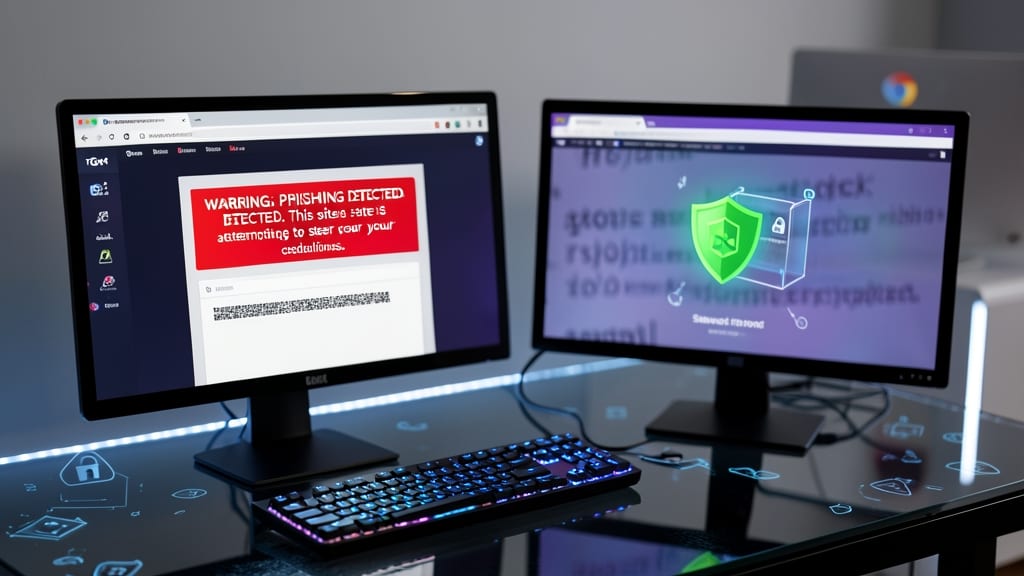
Tired of Chrome or Edge silently exposing you to scams? Torch and Brave browsers replace traditional options with real-time phishing detection that flags fake login pages before you click.
Both browsers isolate tabs in sandboxed containers, block 90% of trackers by default, and use AI-driven scam analysis to intercept phishing attempts. Torch’s Tor network integration adds an extra layer for high-risk users, while Brave’s built-in ad-blocker reduces attack surfaces. Upgrade in minutes—no IT department required.
Perfect for freelancers handling sensitive data or anyone tired of browser-based malware. 💻
Device Encryption and Full-Disk Protection
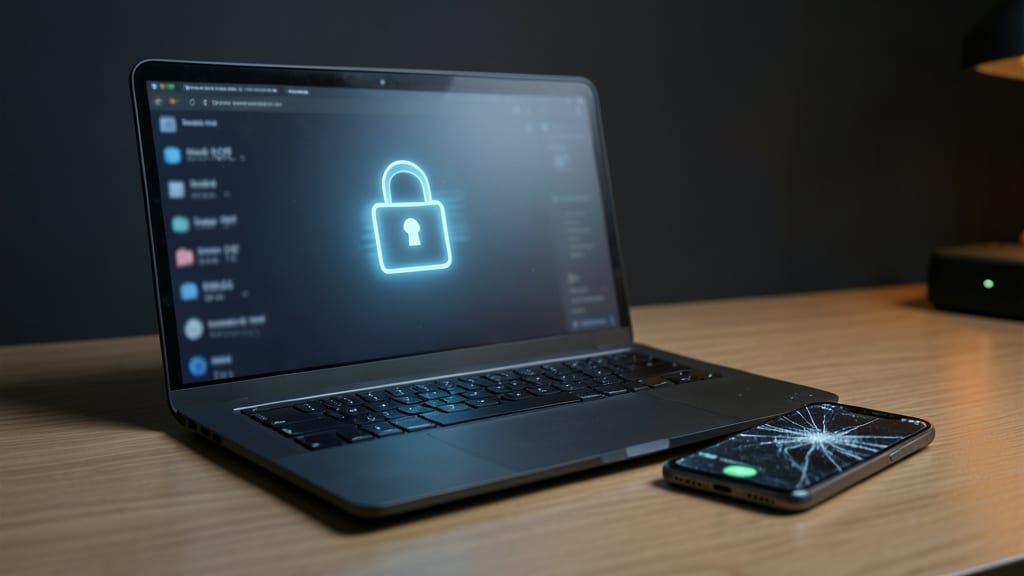
What if your laptop or phone was stolen—and the thief couldn’t access a single file? That’s the power of full-disk encryption, a silent shield that turns your device into a digital vault. Unlike password managers or VPNs, this locks everything—documents, emails, even your browser history—behind military-grade encryption.
Windows users can enable BitLocker (built into Pro versions or via TPM 2.0 chips), while Mac owners get FileVault for free. Both require a password or PIN to unlock, and recovery keys ensure you don’t lose access if you forget. The best part? Modern devices auto-encrypt drives during setup—zero config required. Even IT departments mandate this for work devices, but it’s just as critical for personal use.
Freelancers, contractors, and anyone handling sensitive data should prioritize this. It’s the last line of defense if your device falls into the wrong hands. 💻
Zero-Trust Network Access Controls
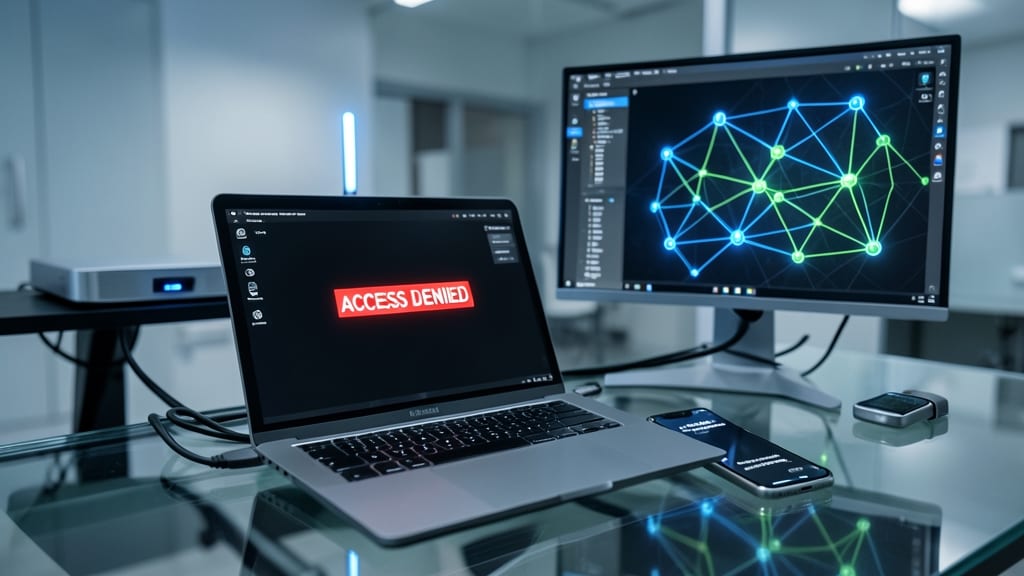
Tired of assuming every device on your network is trustworthy? Zero-trust network access controls flip the script by treating every connection—even yours—as a potential threat until proven otherwise. This approach blocks unauthorized access by default, forcing authentication for every device and user before granting entry, regardless of location.
Solutions like Microsoft Conditional Access integrate with Active Directory to enforce policies like device compliance checks or multi-factor authentication before access is granted. Zscaler Private Access (ZPA) takes it further by creating a secure tunnel for applications, ensuring only verified users and devices can connect to critical resources. Both tools integrate seamlessly with existing IT infrastructure, requiring minimal setup.
This is ideal for remote teams handling sensitive data, like healthcare providers or finance professionals, where a single compromised device could expose entire networks. 💪
Regular Security Awareness Training Simulations
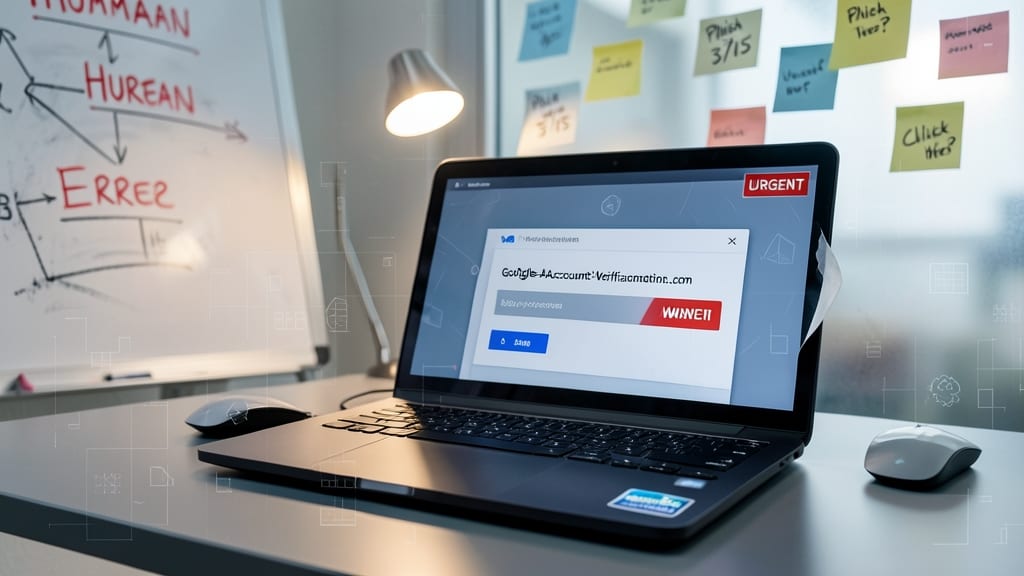
Even with the best tools, 90% of breaches still start with human error—like clicking a malicious link or falling for a fake login prompt. The fix? Regular security awareness training simulations that turn mistakes into learning opportunities before they become real threats.
Platforms like KnowBe4 let you send realistic phishing tests (e.g., fake invoice emails or urgent "account lockout" alerts) to your team, then track who clicks and how they respond. Customizable templates mimic CEO fraud, malware downloads, and social engineering tactics, while automated reports highlight weak spots. Best of all, it’s scalable—from solo freelancers to enterprise teams.
This isn’t just for IT departments: Freelancers and small teams can use free trials to test their own vigilance. Start with monthly simulations, and watch how quickly your team spots (and avoids) the red flags. 🌟
Secure File Sharing with End-to-End Encryption
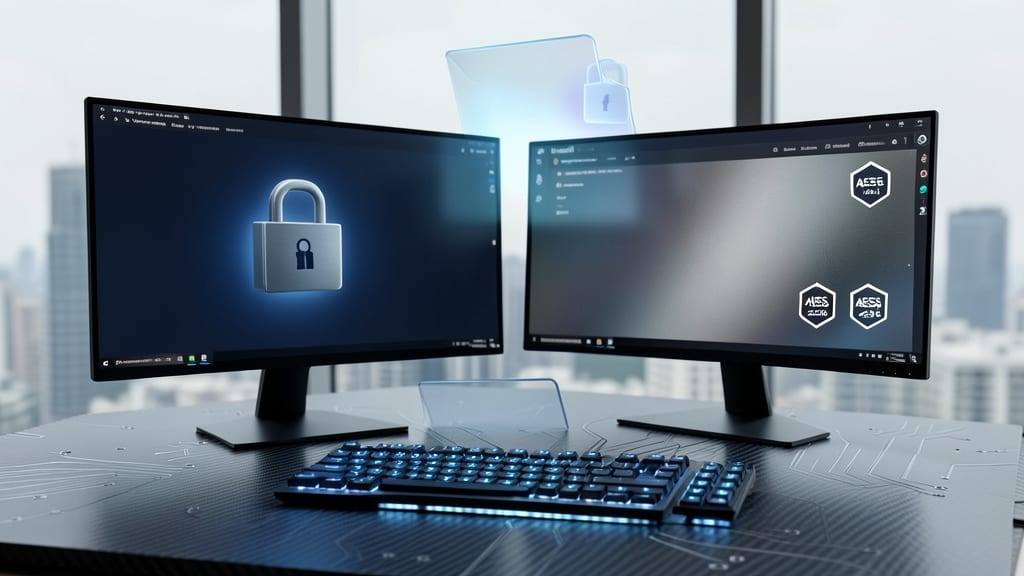
Tired of trusting cloud providers to keep your shared files safe? Tools like Virtru and Tresorit add an extra layer of protection by encrypting files before they leave your device, so even if accounts are hacked, your data stays locked down.
Both platforms offer military-grade encryption (AES-256) and seamless integration with email, cloud storage, and collaboration tools. Virtru’s zero-trust sharing lets you set expiration dates or revoke access instantly, while Tresorit’s client-side encryption ensures files remain private even if stored on third-party servers.
Perfect for freelancers, legal teams, or anyone handling sensitive documents—no IT degree required. 💻
Automated Patch Management for All Devices
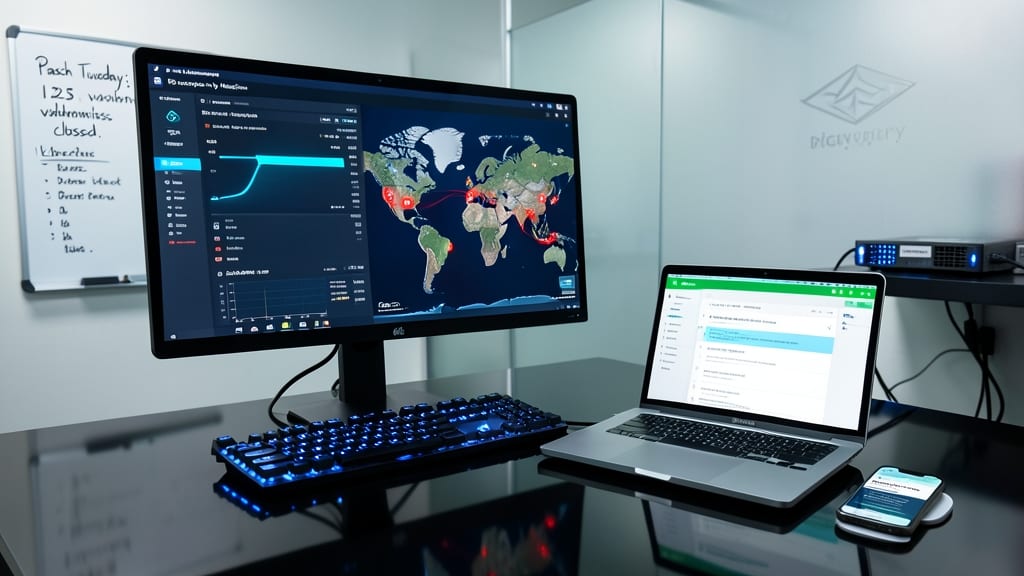
Forget manually checking for updates—unpatched software is the #1 way hackers break into systems. Tools like Patch Management by ManageEngine automate OS, browser, and app updates across all your devices, closing vulnerabilities before they’re exploited.
This solution scans for 1,000+ vulnerabilities in real time, prioritizes critical patches, and even supports Windows, macOS, and Linux in a single dashboard. With scheduled deployment and compliance reporting, you’ll never miss a security fix again—even when juggling remote work and deadlines.
Perfect for IT teams managing fleets of devices or freelancers who want hands-off protection. Set it up once, and let it handle the rest—because your focus should be on work, not waiting for updates. ✨