
Operating System
Cyber threats evolve daily, but these 10 proven tactics will harden your digital defenses. Whether you're a home user or IT professional, implementing these strategies reduces vulnerabilities and protects sensitive data from modern attacks.
Enable multi-factor authentication everywhere

Even the strongest passwords can’t stop automated hacking tools—multi-factor authentication (MFA) is the digital equivalent of a deadbolt on your front door. Most breaches exploit weak or stolen passwords, but adding a second verification step (like a code from an app or text) blocks 99.9% of these attacks before they even reach your accounts.
Enabling MFA takes minutes across platforms: Google Authenticator, Microsoft Authenticator, or hardware keys like YubiKey work with email (Gmail, Outlook), banking, and cloud services (AWS, Dropbox). Even SMS-based codes are better than nothing, though app-based tokens are more secure. The best part? Most services offer zero-config setup—just scan a QR code or follow a link.
This is non-negotiable for anyone with a bank account, email, or cloud storage. Start with your most critical accounts—your inbox is often the first target. ⚡
Regularly update all software systems
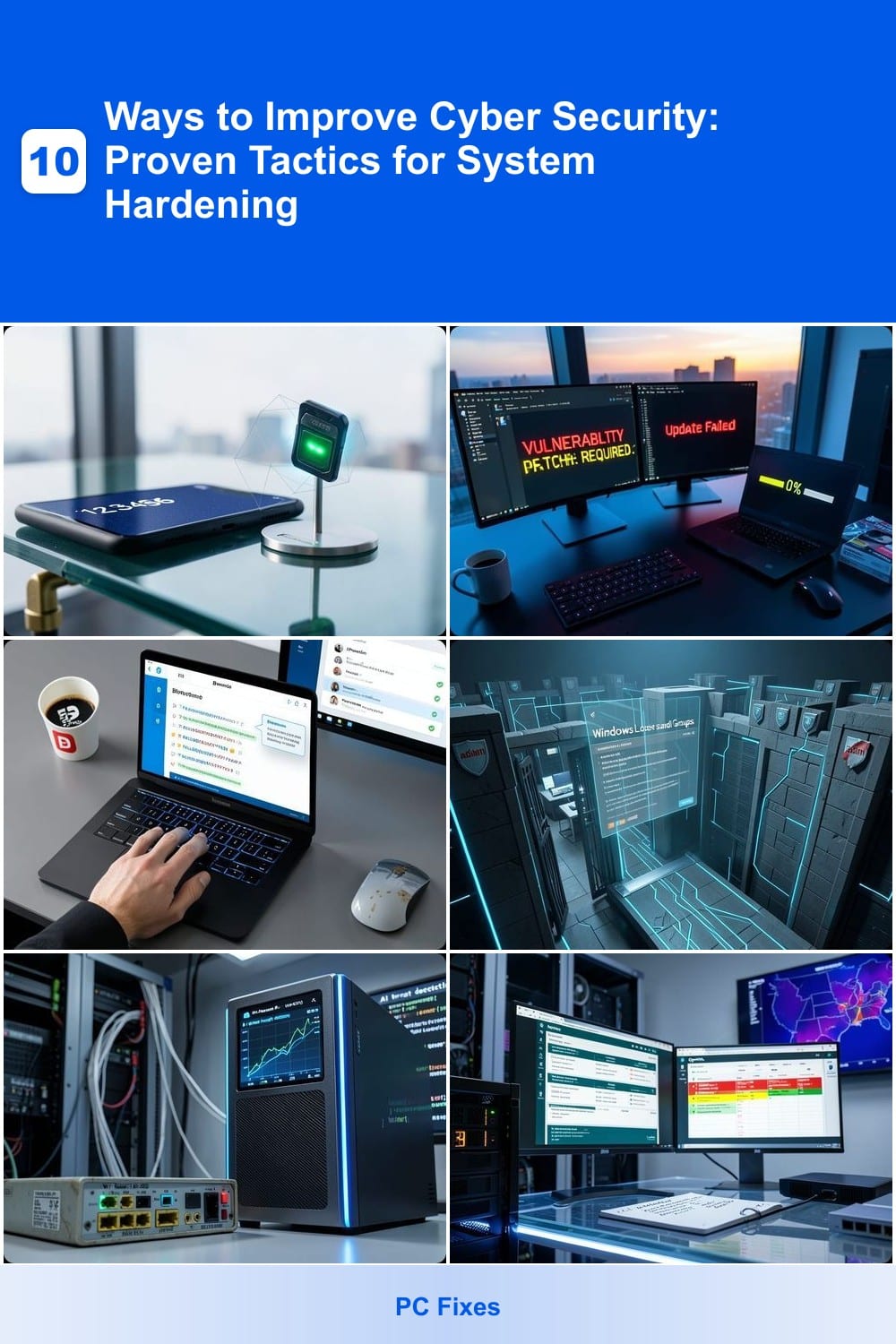
Cybercriminals exploit unpatched software within minutes of vulnerabilities being discovered—so keeping your systems current isn’t optional, it’s essential. Most modern operating systems and applications now offer automated update systems that handle patching in the background, but many users disable them or ignore manual prompts.
Windows Windows Update, macOS Software Update, and Linux distro package managers (like apt, dnf, or pacman) all deliver critical security fixes. For browsers, enable auto-updates in Chrome, Firefox, or Edge settings to close zero-day loopholes instantly. Even mobile apps (iOS/Android) release patches—turn on automatic app updates to stay protected without lifting a finger.
This is your first line of defense against ransomware, spyware, and data breaches. Whether you’re a casual user or manage a small business, five minutes of setup for automated updates saves hours of cleanup later. ⚡
Use a password manager with strong policies
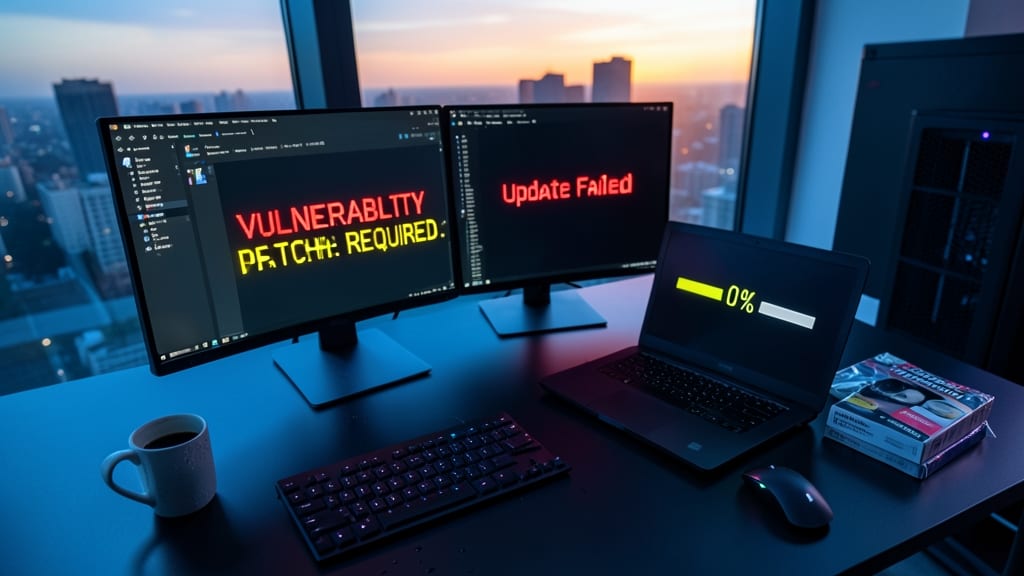
Tired of resetting passwords every month? A password manager with strong security policies automates complex credentials, eliminating the guesswork—and the frustration—of weak or reused passwords.
Top tools like Bitwarden (open-source) or 1Password generate 20-character+ passwords with symbols and numbers, then encrypt them using AES-256 (military-grade security). Features like biometric unlock and emergency access add layers of protection, while autofill saves time across devices. Most offer free tiers with unlimited password storage, so cost isn’t an excuse.
Perfect for busy professionals, families sharing accounts, or anyone juggling 50+ logins. Ditch the sticky notes—your future self will thank you. ✨
Implement least privilege access control
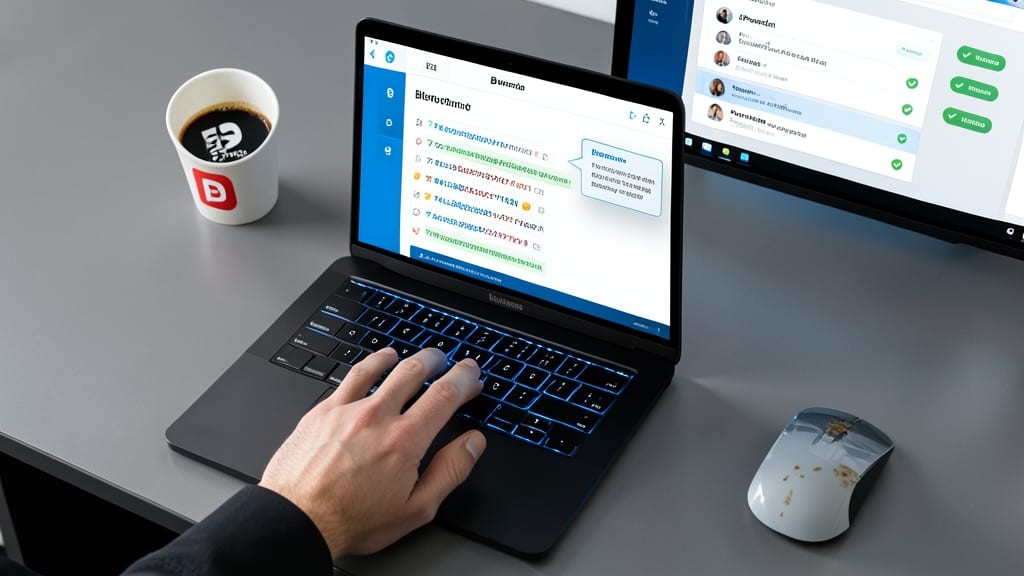
Think of your accounts like a fortress—most breaches exploit overprivileged access. Least privilege access control ensures users only get the minimum permissions needed to do their job, slashing the risk of malware spreading or insider leaks.
On Windows, use Local Users and Groups to limit admin rights, while Linux systems leverage sudo rules or SELinux for granular control. For personal use, restrict browser extensions, app permissions, and even USB device access. Tools like Microsoft Defender for Identity or OpenSCAP automate enforcement in enterprise environments.
This is especially critical for shared family devices, small business networks, or anyone managing multiple accounts. Start by auditing your current permissions—you’ll be surprised how many apps still run as admin by default. 💪
Deploy a next-generation firewall

Your basic router’s firewall can’t stop today’s threats—especially encrypted malware or zero-day exploits that slip past traditional defenses. A next-gen firewall (NGFW) adds deep packet inspection, AI-driven threat detection, and granular application control to block even sophisticated attacks before they reach your devices.
Solutions like pfSense (free, open-source) or Sophos XG Firewall (user-friendly) inspect traffic at Layer 7 of the OSI model, filtering by application (e.g., blocking Torrent clients while allowing Zoom). They also integrate intrusion prevention systems (IPS) to stop exploits like EternalBlue—the same flaw used in WannaCry ransomware. For small businesses, Cisco Meraki MX offers cloud-managed security with minimal setup.
Perfect for home offices, remote workers, or small businesses without IT teams—just plug it between your modem and router. No advanced degrees required! 💪
Conduct regular security audits
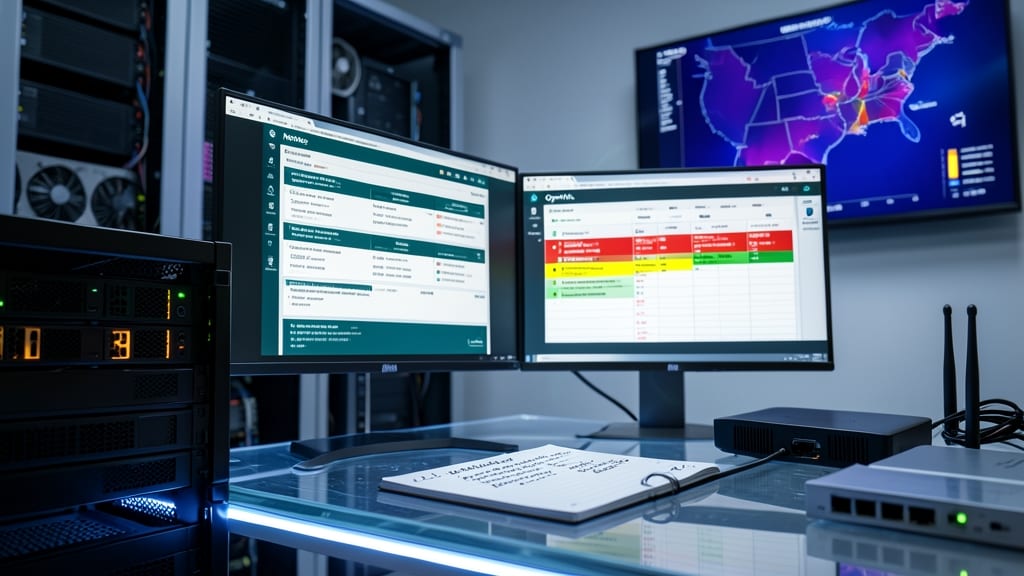
Think of security audits as your system’s annual physical—except instead of waiting for symptoms, you catch vulnerabilities before they become problems. Tools like Nessus or OpenVAS scan for misconfigurations, outdated software, and exposed services in minutes, giving you a clear report of what needs fixing.
These automated scans check for CVE vulnerabilities, weak encryption, open ports, and even default credentials—issues that often slip through manual checks. For compliance-heavy industries, they’re a requirement, but even home users benefit from spotting things like an unsecured RDP port or outdated firmware before attackers exploit them.
Perfect for small businesses or tech-savvy home users managing servers, audits should run quarterly (or monthly for critical systems). Set up automated reports to monitor progress—your future self will thank you. ✨
Secure your Wi-fi with strong encryption

Your home Wi-Fi might be the weakest link in your cybersecurity armor—many routers still default to WPA2, which hackers can crack in minutes using modern tools. Upgrading to WPA3 adds forward secrecy and 192-bit encryption, making it nearly impossible for attackers to decrypt your traffic even if they intercept it.
Most modern routers (like Netgear Nighthawk, Asus RT-AX88U, or Google Nest Wi-Fi) support WPA3 out of the box—just check your router’s admin panel under Wireless Settings. If your device doesn’t support WPA3, enabling WPA2 with AES encryption (instead of TKIP) is still a massive upgrade over outdated security standards.
This is especially critical if you handle sensitive data, like online banking or work files. Even casual users should prioritize this—WPA3 prevents eavesdropping in coffee shops, hotels, or public spaces where networks are often compromised. ⚡
Train employees or family members
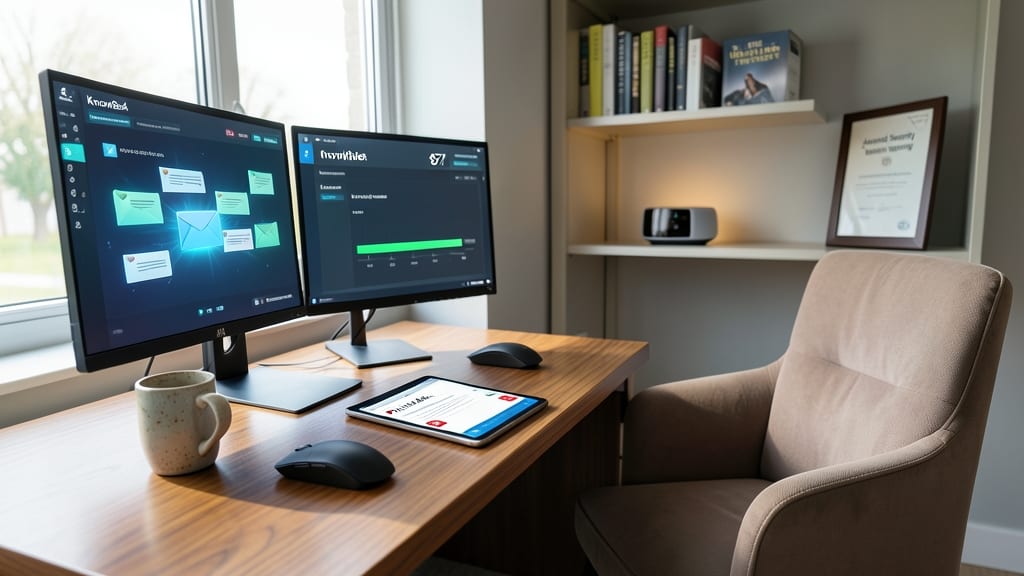
Your strongest cybersecurity tool might already be sitting at your desk—or in your living room. Human error is the root cause of 90% of breaches, yet most training programs feel like boring compliance checkboxes. Tools like KnowBe4 or PhishMe change that with interactive phishing simulations that mimic real-world attacks, teaching employees (or family members) to spot scams before they click.
Start with quarterly phishing tests that track click rates and improvement over time. Combine this with short, engaging modules on topics like password hygiene or recognizing fake login pages. Many platforms offer customizable templates for industries (healthcare, finance) or home users (avoiding scam calls). The best part? These tools provide real-time reporting so you can see which users need extra coaching—and which are already security pros. ⚡
This approach works equally well for small businesses (where one click could cripple operations) and families (protecting kids from social media scams). The key is making security practical and relatable—because a well-trained user is your last line of defense. 💪
Isolate critical systems with sandboxing

Ever downloaded a file from an unknown source and immediately regretted it? Sandboxing lets you test suspicious software in a completely isolated environment—no risk to your main system. Tools like Windows Sandbox (built into Windows 10/11 Pro) or Firejail (Linux) create lightweight, disposable virtual machines where malware can’t escape.
These solutions offer zero-config setup for basic use, while advanced options like QEMU/KVM give you full virtualization control. You can safely run legacy apps (e.g., old games or business software) without fear of system corruption. Even developers use sandboxing to test untrusted code snippets or browser extensions before deployment.
Perfect for security researchers, IT admins, or curious users testing shady downloads—it’s like a digital quarantine zone for your tech. 💻
Maintain offline backups of critical data

Ransomware attacks and hardware crashes don’t give warnings—only offline backups can save you when digital threats strike. Unlike cloud backups vulnerable to ransomware, physical drives or air-gapped cloud vaults ensure your data survives even the worst breaches.
Use a dedicated external drive (like WD My Passport) for critical files, or services like Backblaze B2 for encrypted cloud backups with versioning. Test restores quarterly to confirm your data isn’t just copied—it’s recoverable. For extra security, store one backup in a fireproof safe or offsite location.
Small businesses and freelancers with irreplaceable files (tax records, creative projects) benefit most from this approach. It’s your last line of defense when everything else fails. ✨